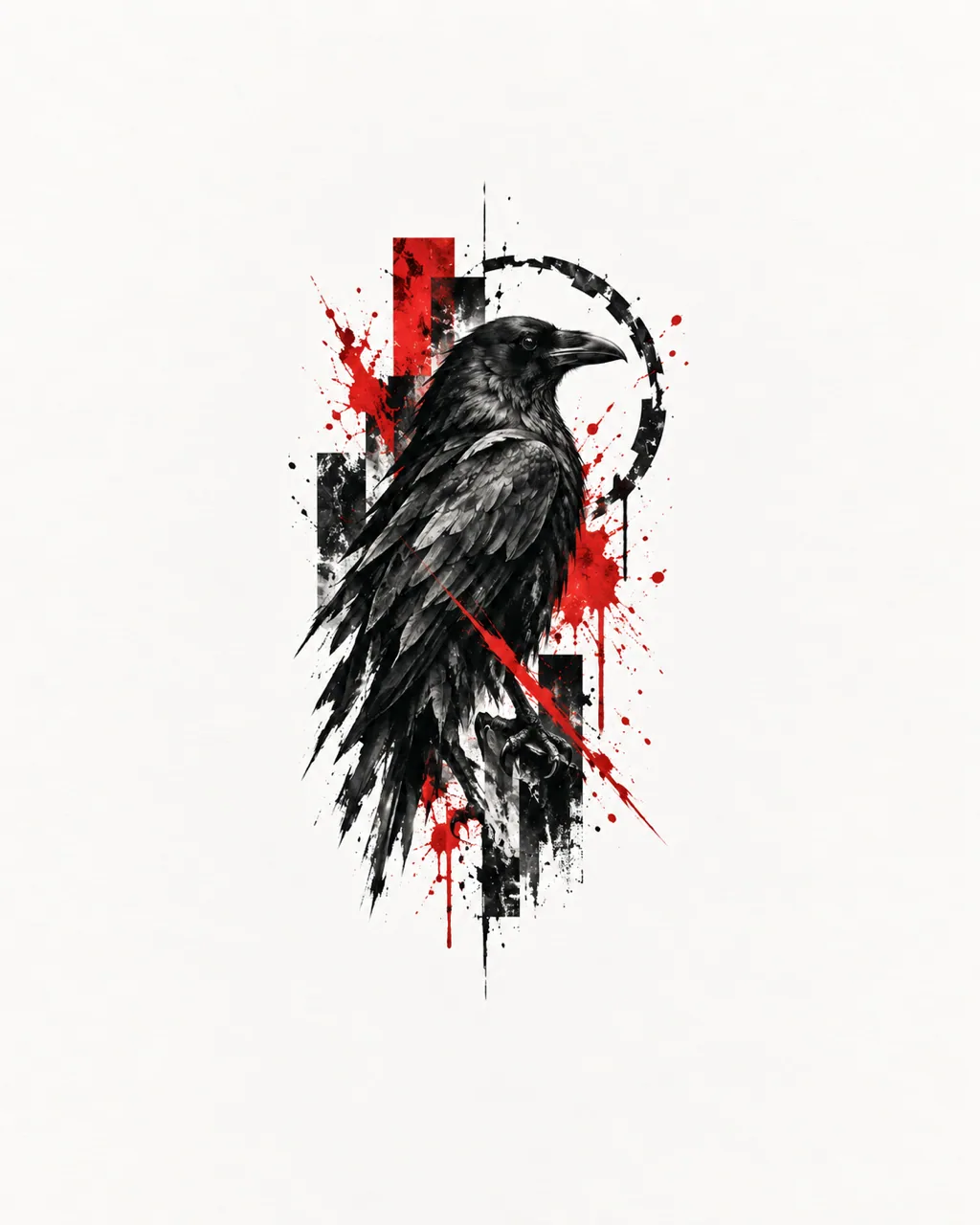
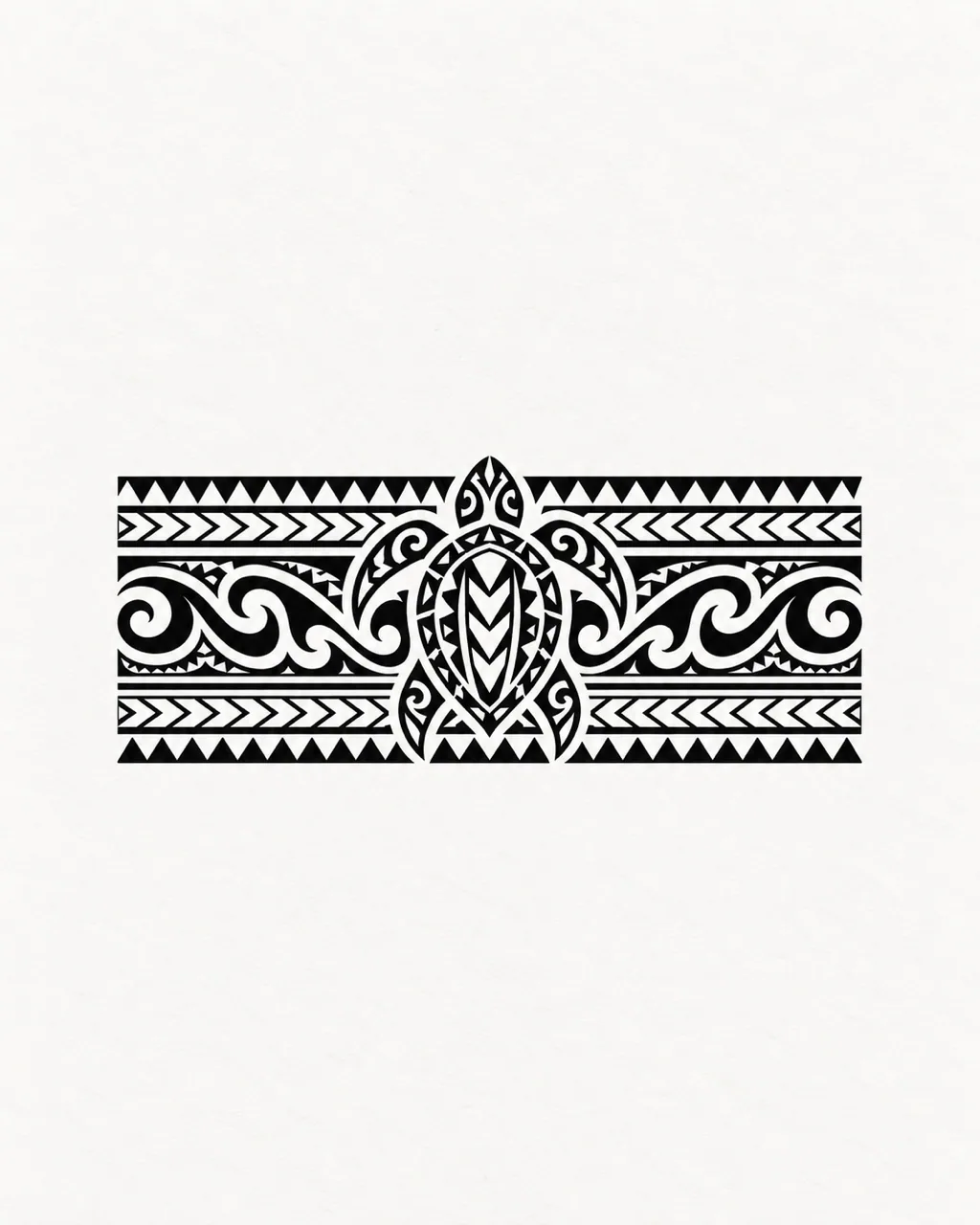
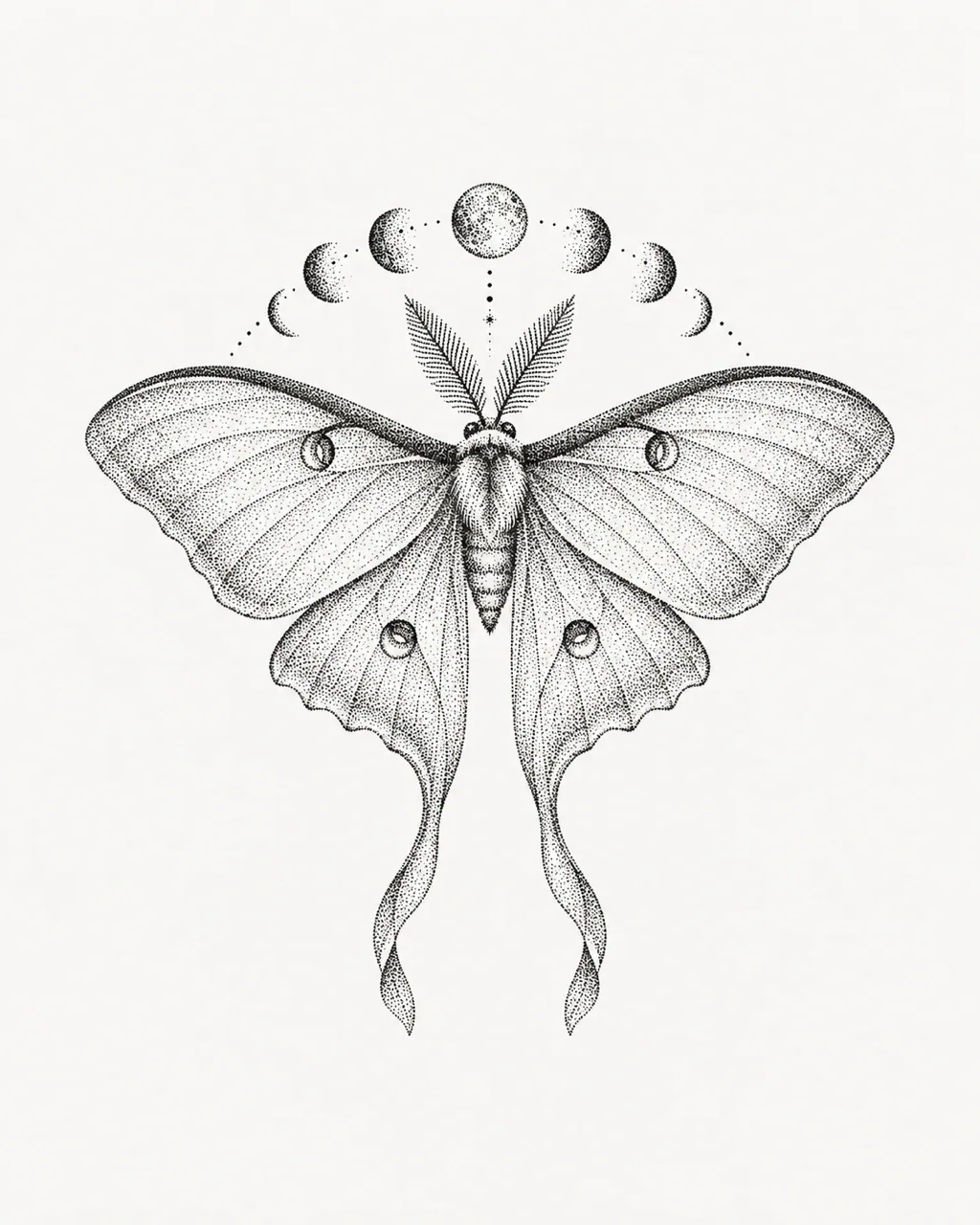
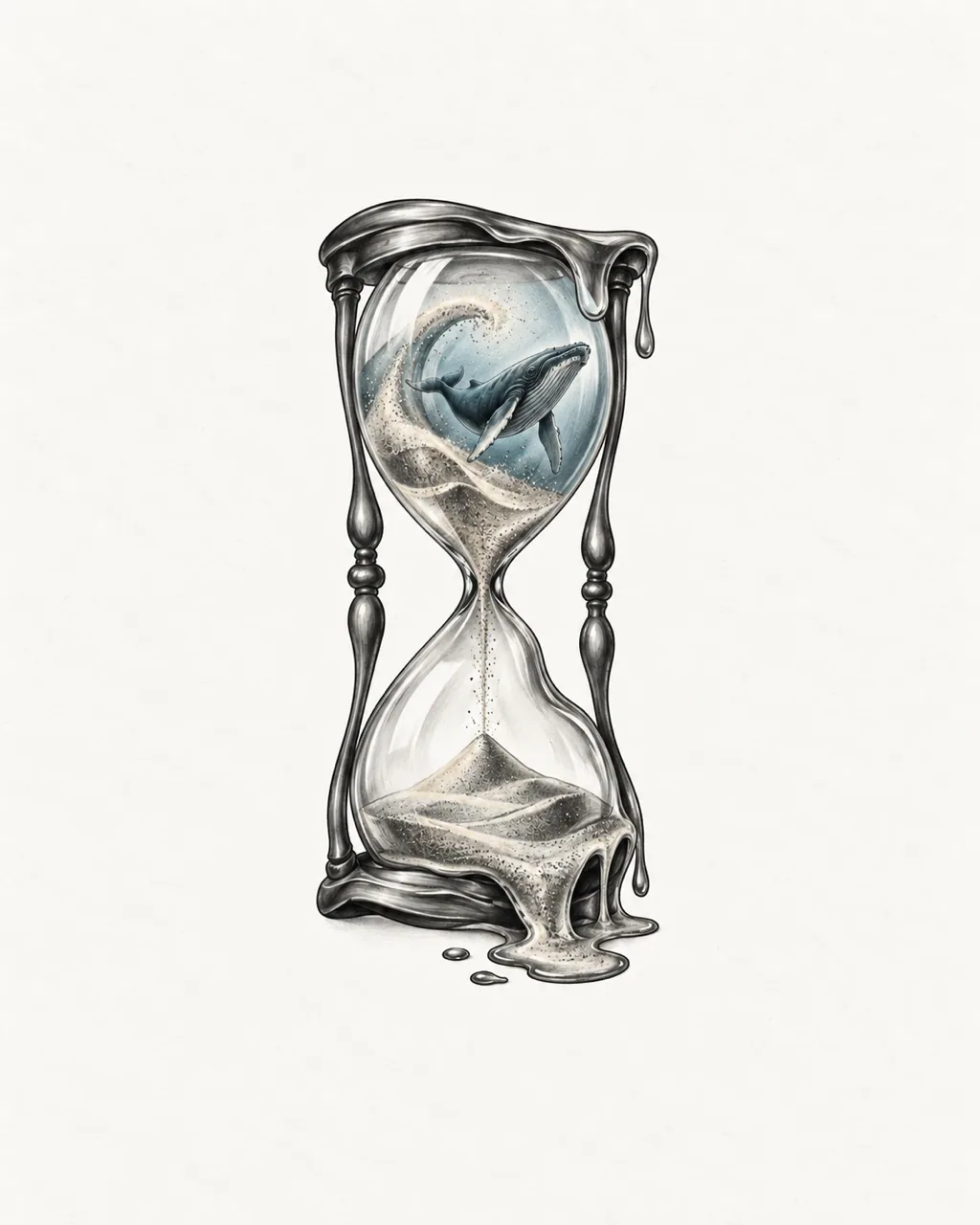
Type an idea, choose a look and get a tattoo concept in seconds.
From idea to ink
How the AI Tattoo Generator Turns Ideas into Designs
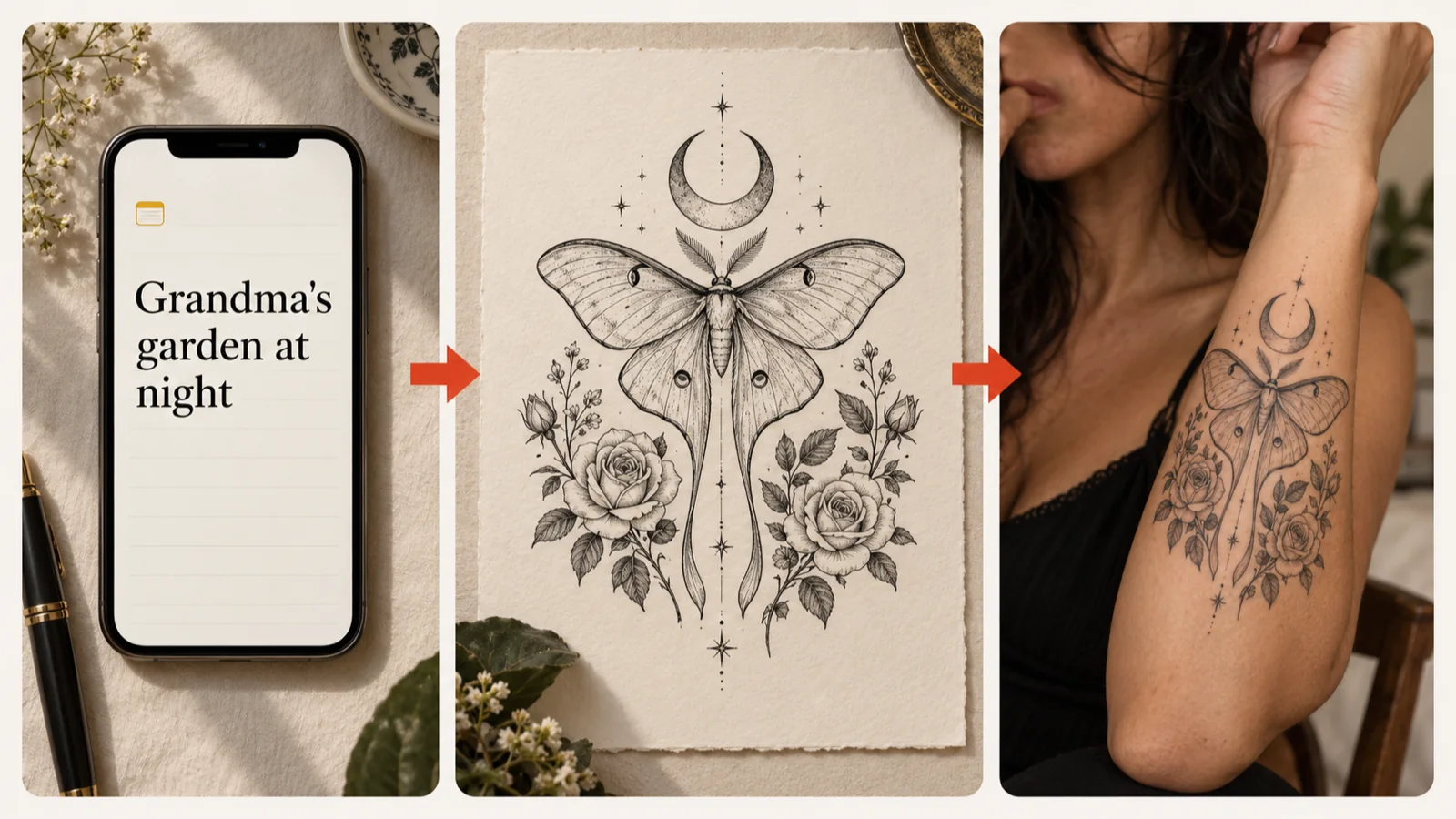
An AI tattoo generator turns a written idea into original tattoo artwork in the style and placement you choose. Tell it what the piece should hold: a pet, a place, a date or a symbol only you understand. Pick a style and a body placement, then generate. Prefer to start from a picture? Drop a reference into Remix. Keep the version that feels right and download a clean image for your tattoo artist.
Turn a Personal Idea into an Original Tattoo Design
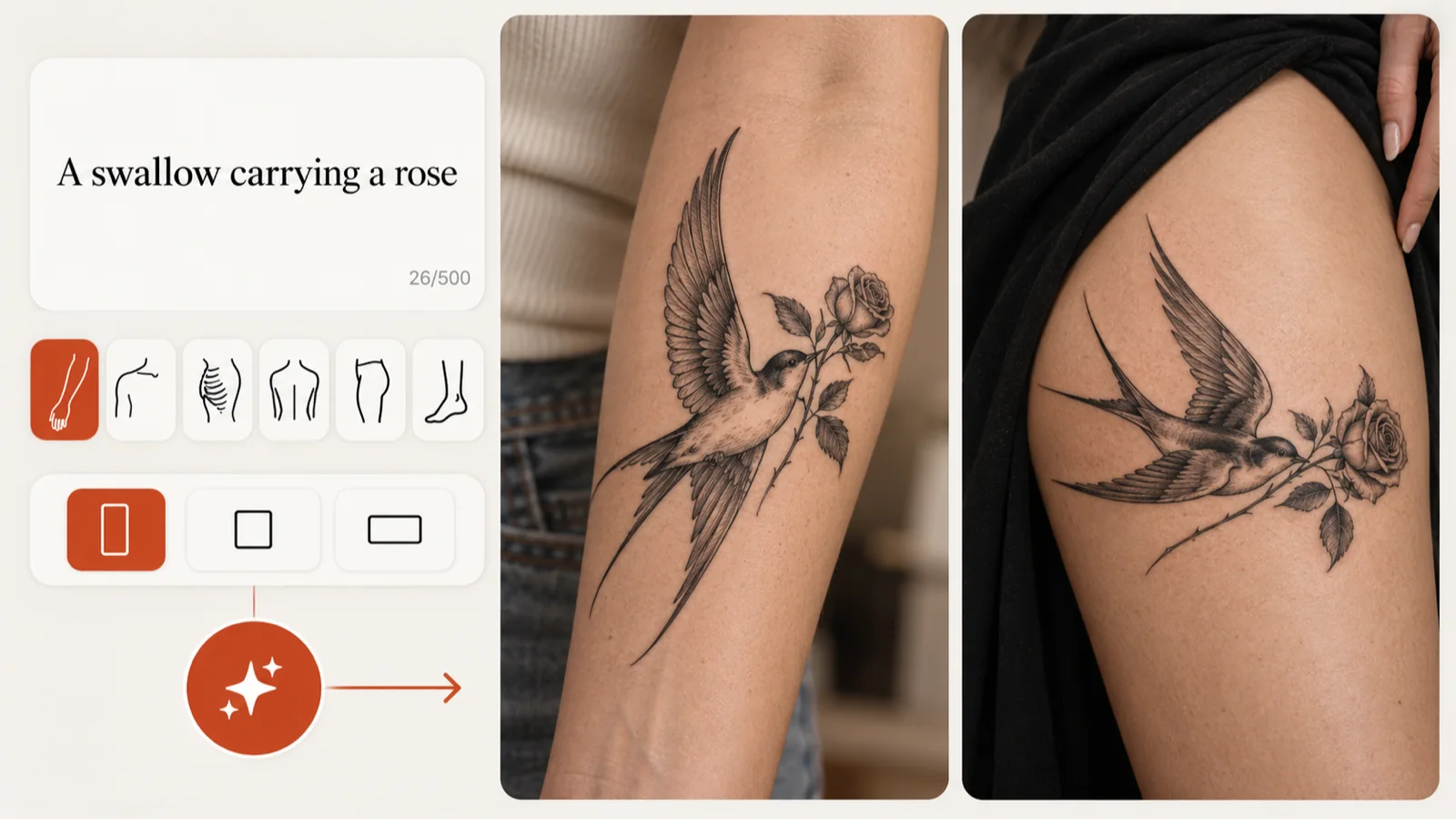
Describe the subject, its meaning and how the elements fit together in up to 500 characters. Stuck on the first line? Inspiration fills the box with a sample prompt you can edit. Choose a body placement and proportion before the AI tattoo generator draws, so the layout suits the spot you have in mind.
Find the Tattoo Style That Fits Your Idea
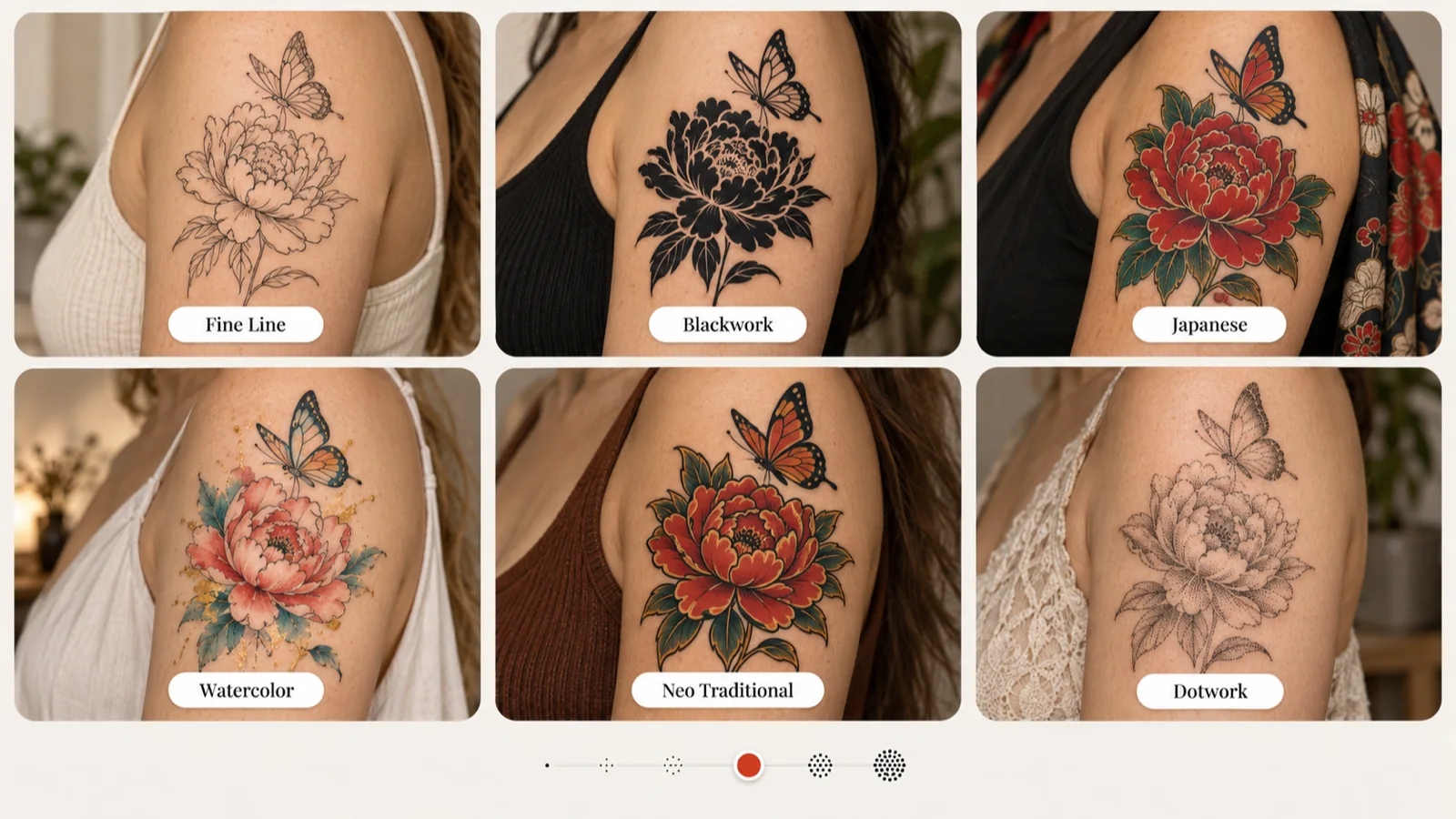
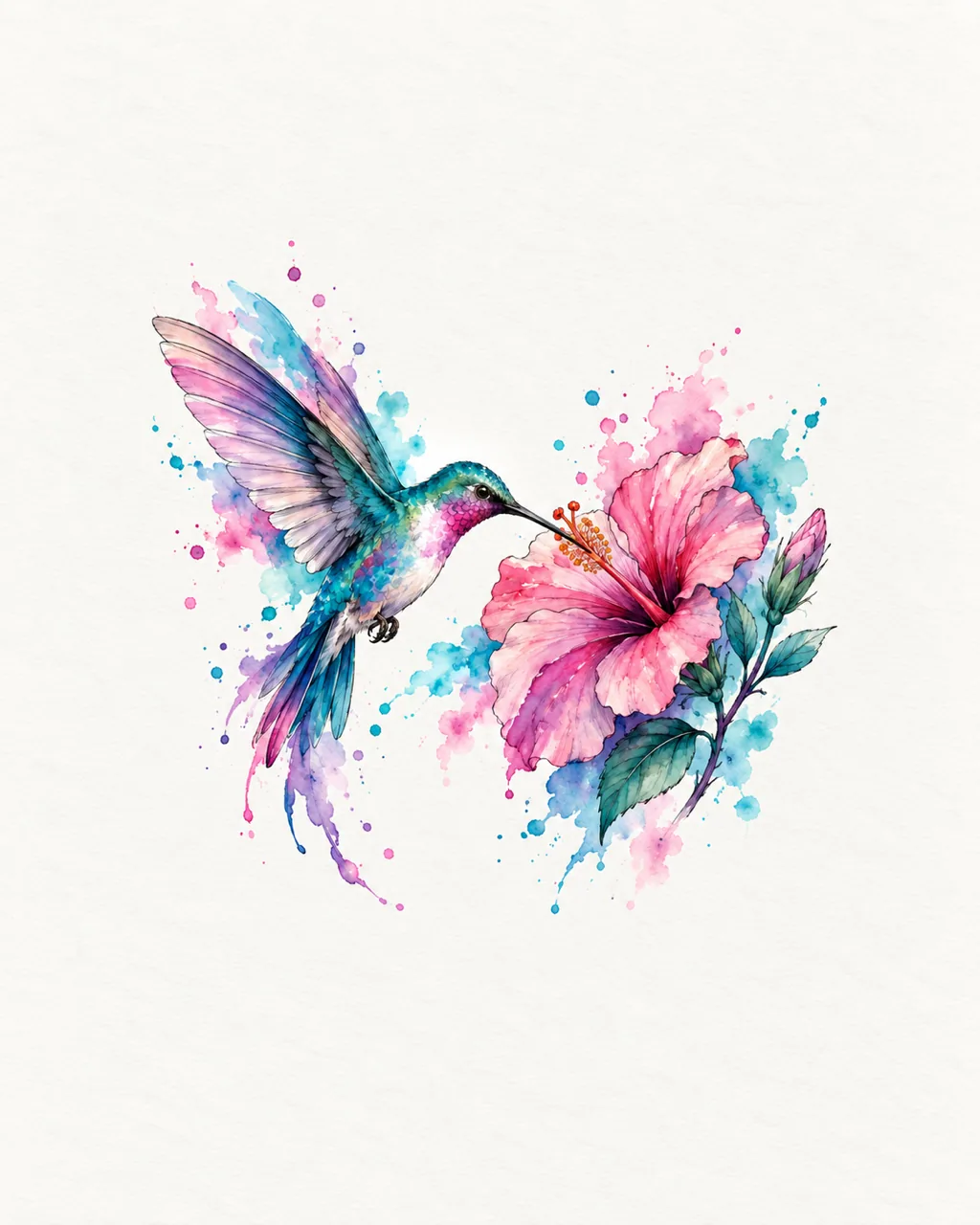
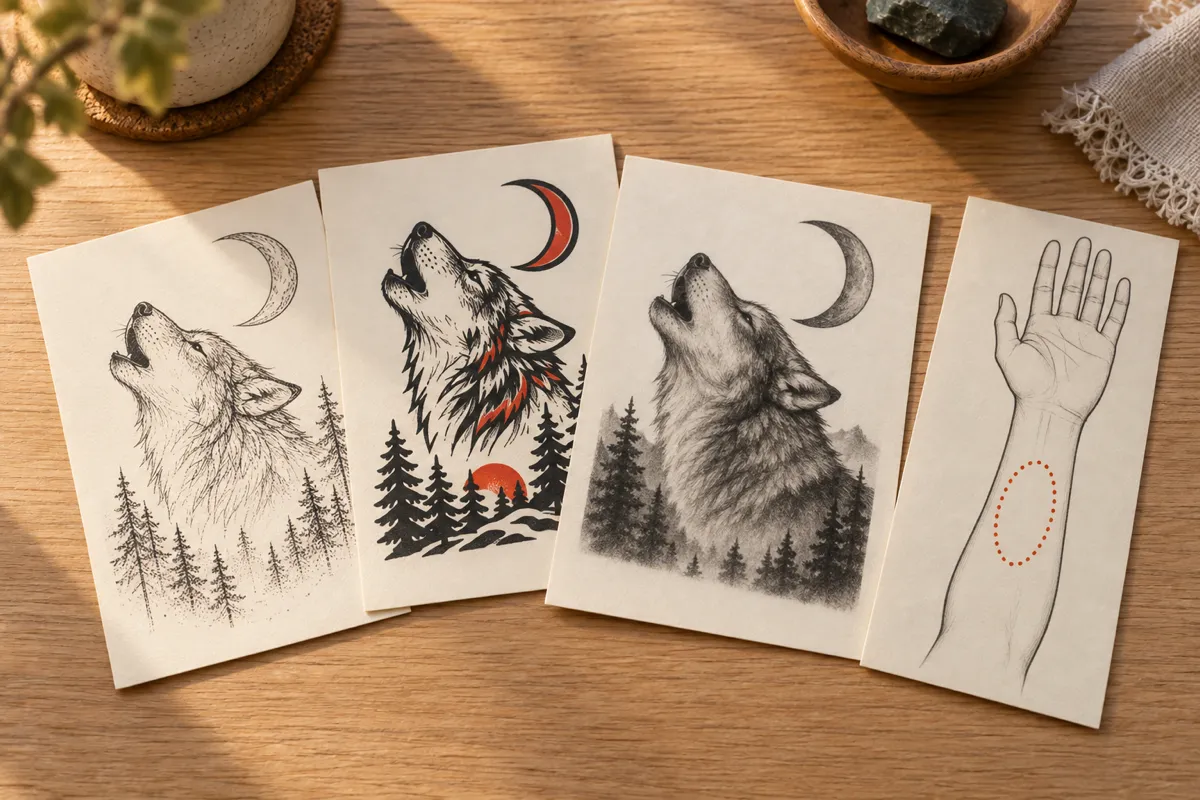
A peony with a butterfly reads very differently as delicate fine line, solid blackwork or soft watercolor. Switch between the 12 styles in the AI tattoo generator and compare how each one treats the same subject. The complexity setting moves from a few clean shapes to dense detail, which helps you match the design to its size on the body.
Download a Clear Reference of Your Tattoo Design
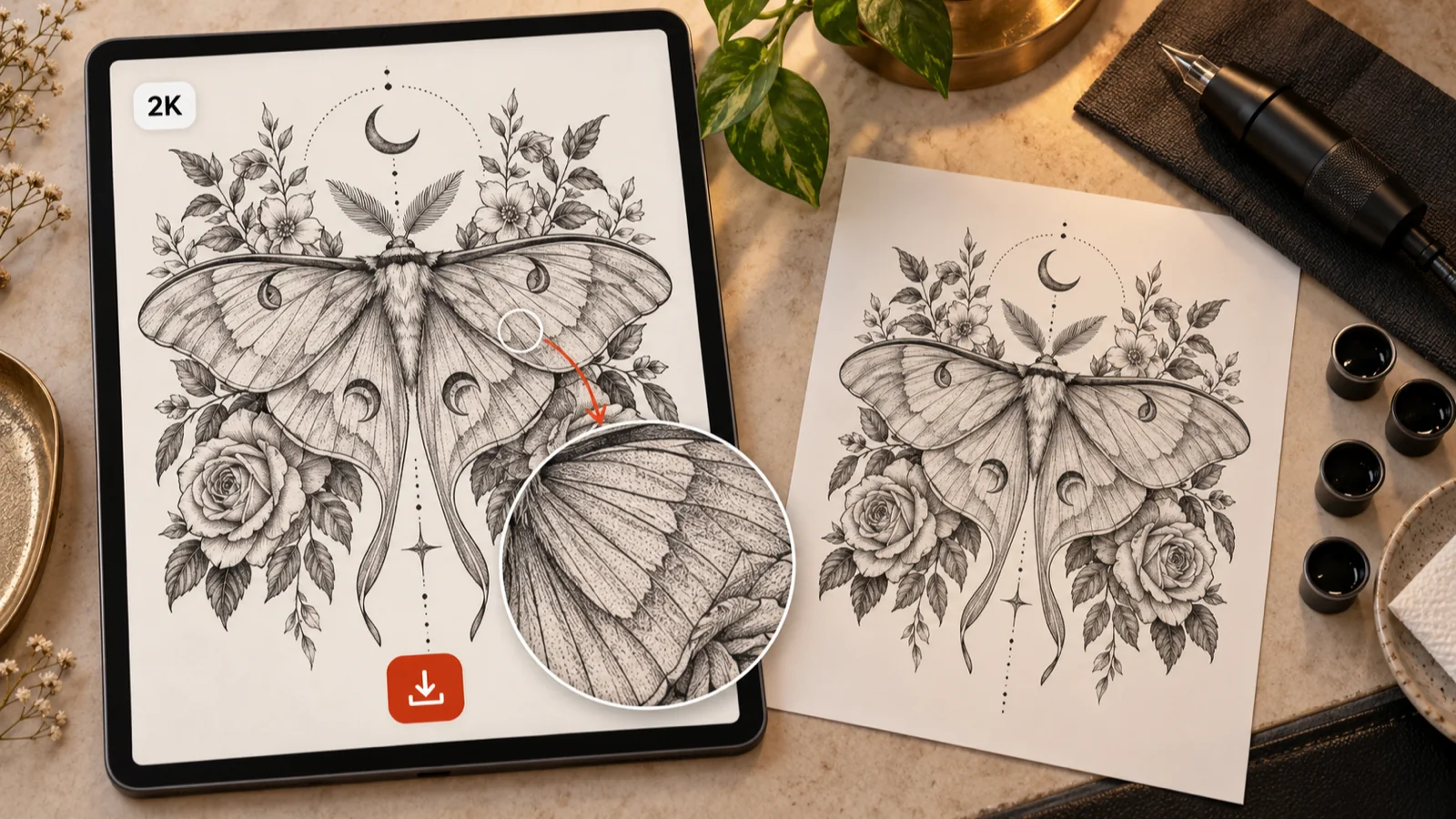
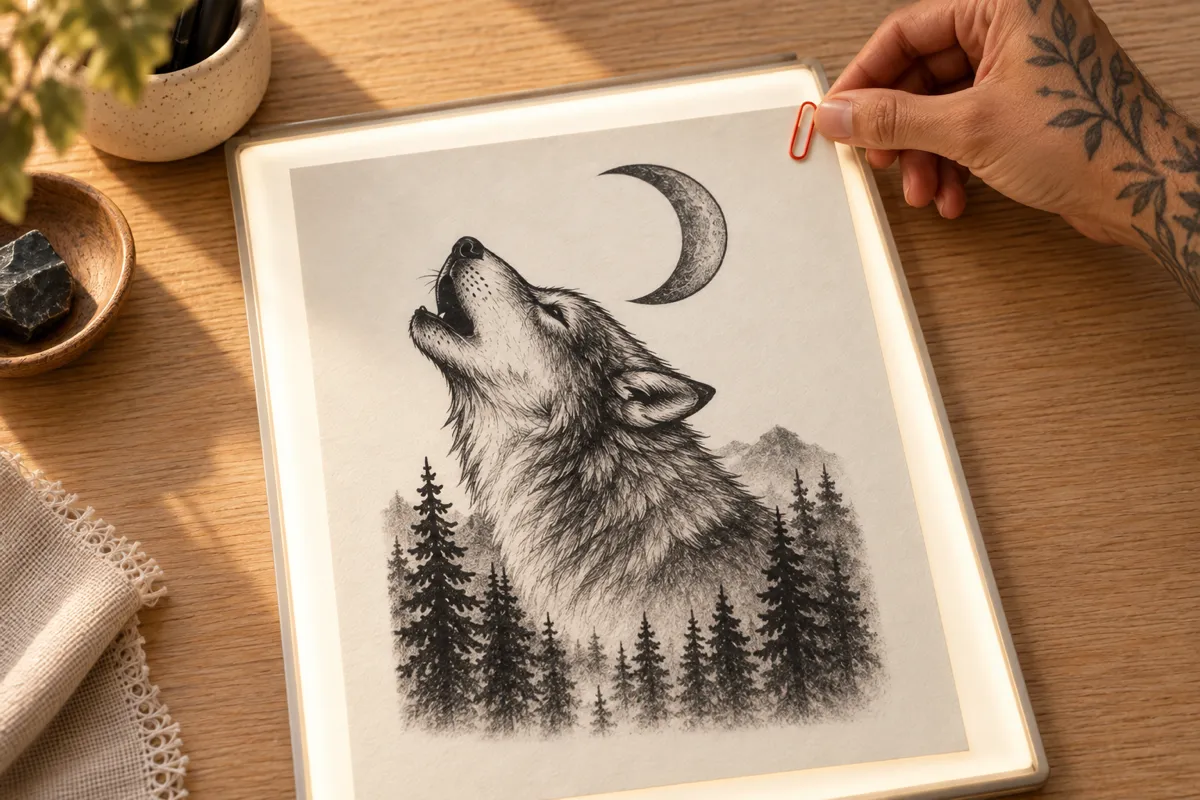
Zoom in and check the linework before you download; results keep their original resolution. Paid access adds 2K quality on compatible models when you need a larger file for printing. The chosen model and its exact credit cost are shown before you generate. Save favorites in My Ink, or share a public design through its own link.
Remix a Saved Design into Your Next Direction
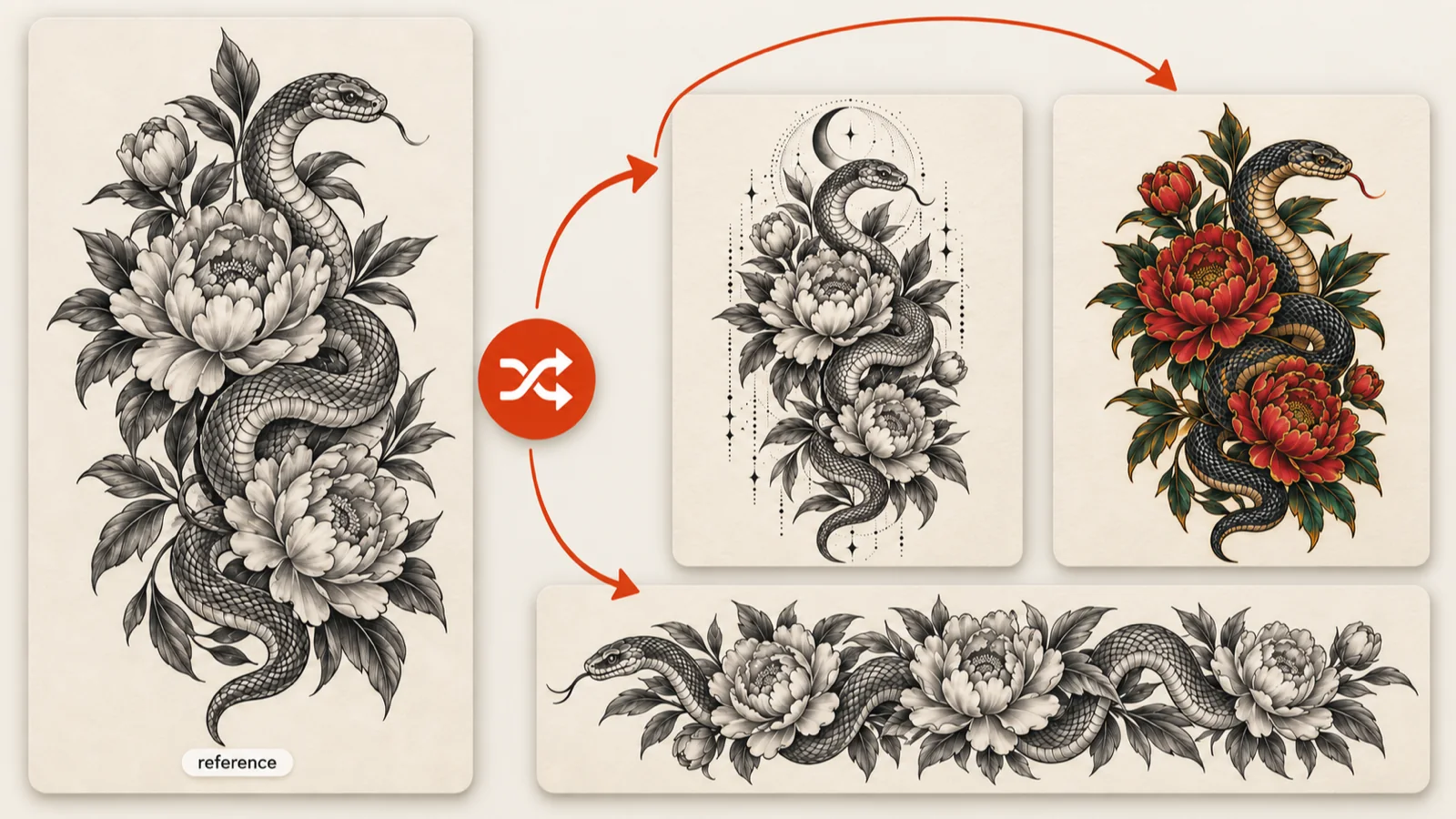
Any saved design can seed a new version. Remix sends the image back into the AI tattoo generator as a reference and empties the description, so you only write what should change: add a crescent moon, wrap it into a band or move it into color. Generate, then set the new take beside the original and keep the stronger one.
Add Names, Dates and Lettering to Your Tattoo
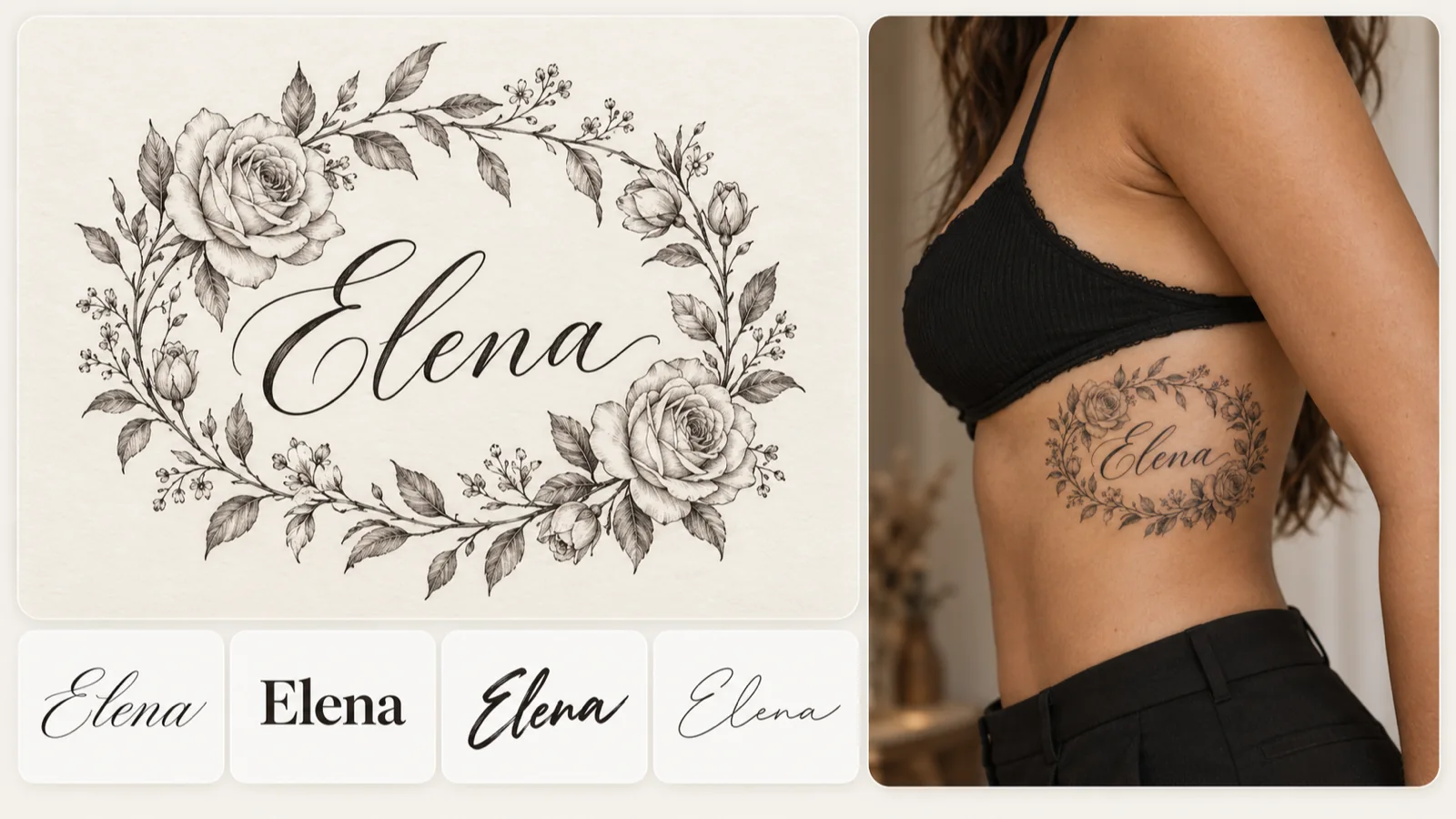
Turn on Add Text when a name, date or short phrase belongs inside the artwork. Type the lettering, choose one of eight font directions and describe the design around it. Read every character in the result, since spelling and spacing matter on skin. For lettering-only pieces, the classic font tool compares typefaces for free and downloads references for your artist.
WHO IT HELPS
Made for First-Timers, Collectors and Artists
Whether it is your first piece or your fifteenth, the AI tattoo generator gives you something concrete to react to before anyone picks up a needle.
First-time clients
Not sure what your first tattoo should be? Describe a memory or a symbol, then try a few styles, placements and detail levels until one direction clicks. Save the ones you like and download a reference that makes your preferences easy to explain.
Planning a piece that should sit beside existing work? Compare subject, style and detail against your collection, then send a saved design to Remix for a variation or to Try-on to preview it on skin. Bring your favorites to the next consultation.
A quick concept can anchor a consultation. Clients arrive with a described idea or a visual reference, and the connected tools add lettering and placement previews for talking through composition, meaning and scale. The artist still adapts the artwork, checks the placement and prepares the transfer stencil.
Sample Tattoo Designs, from Full Pieces to Fine Detail
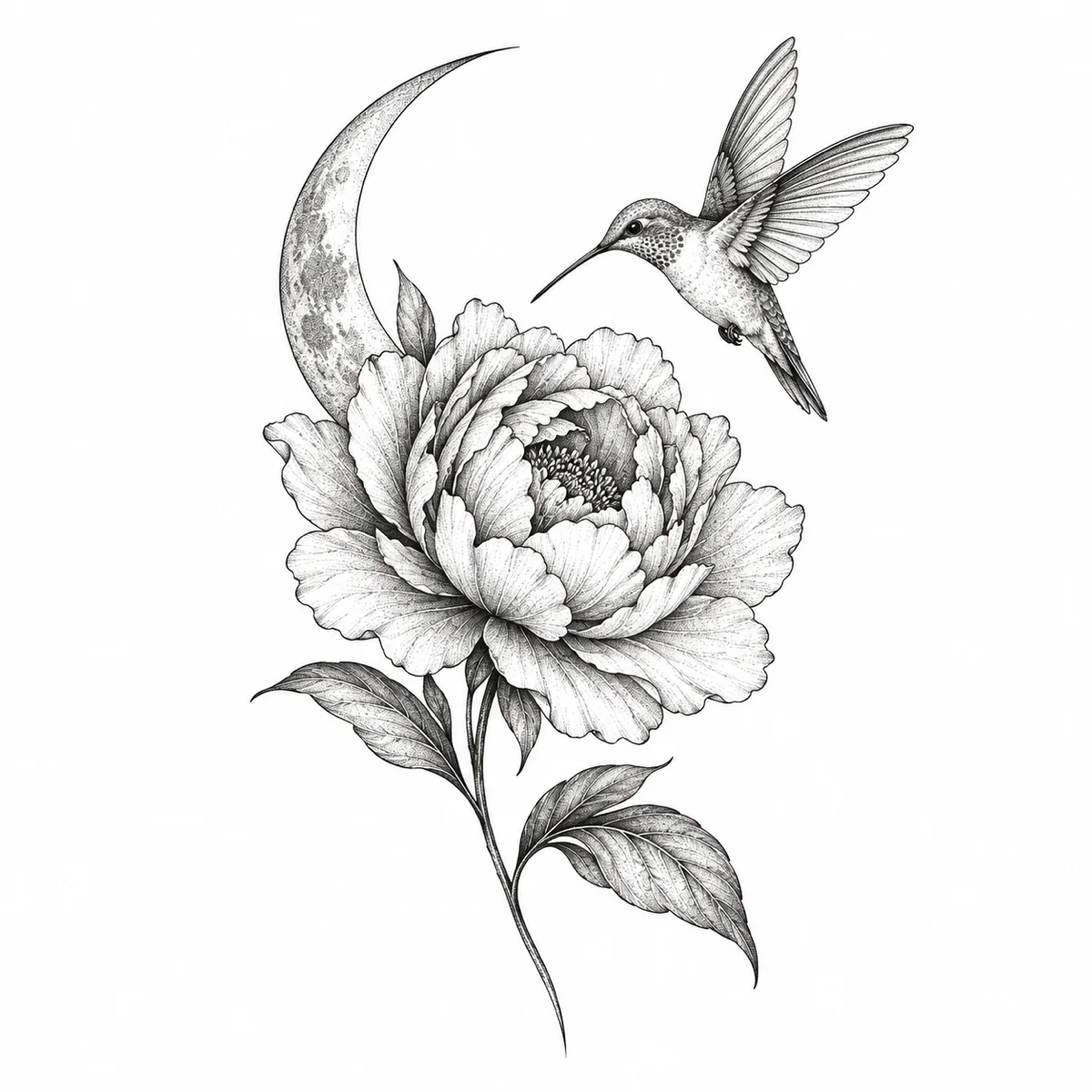
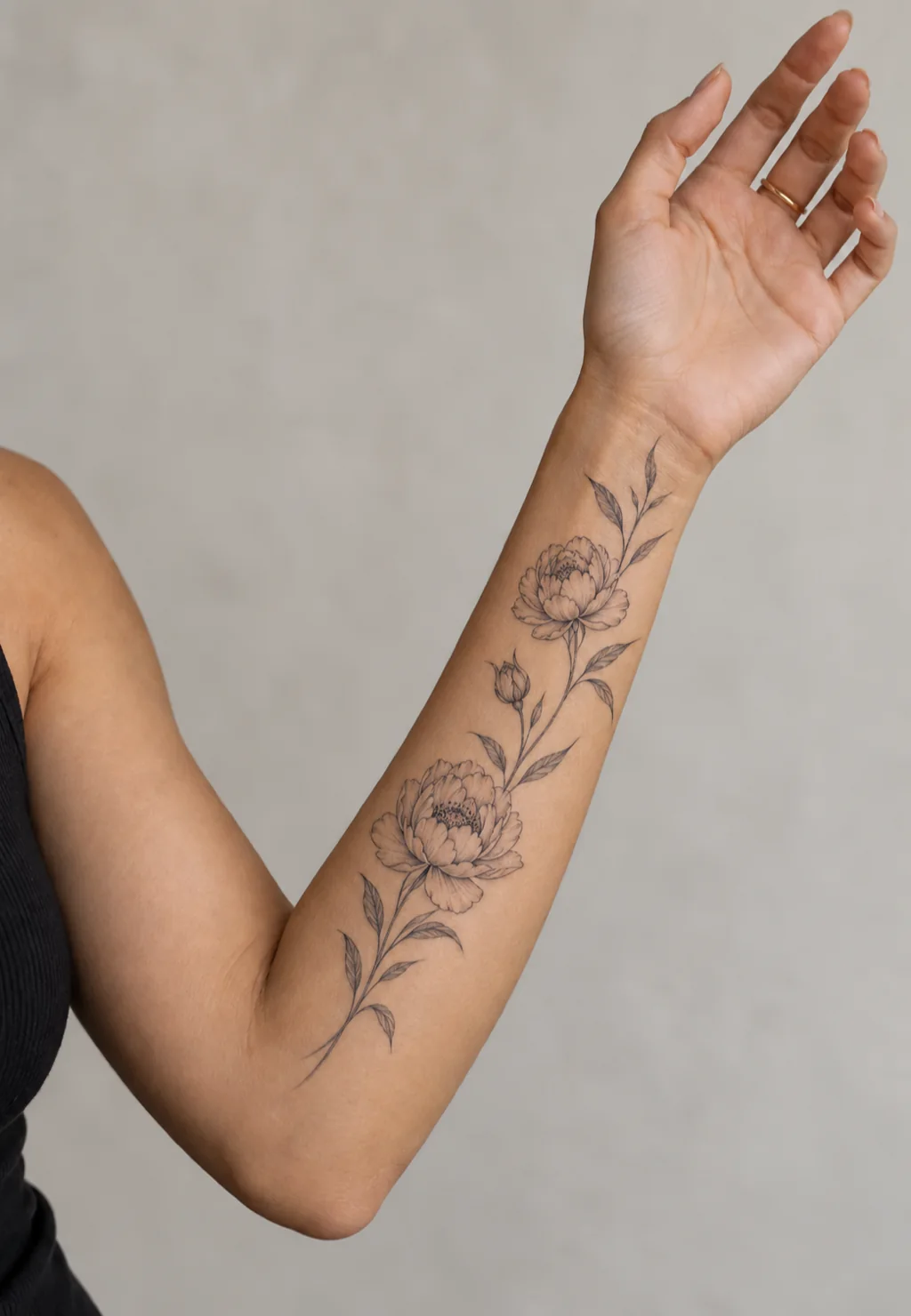
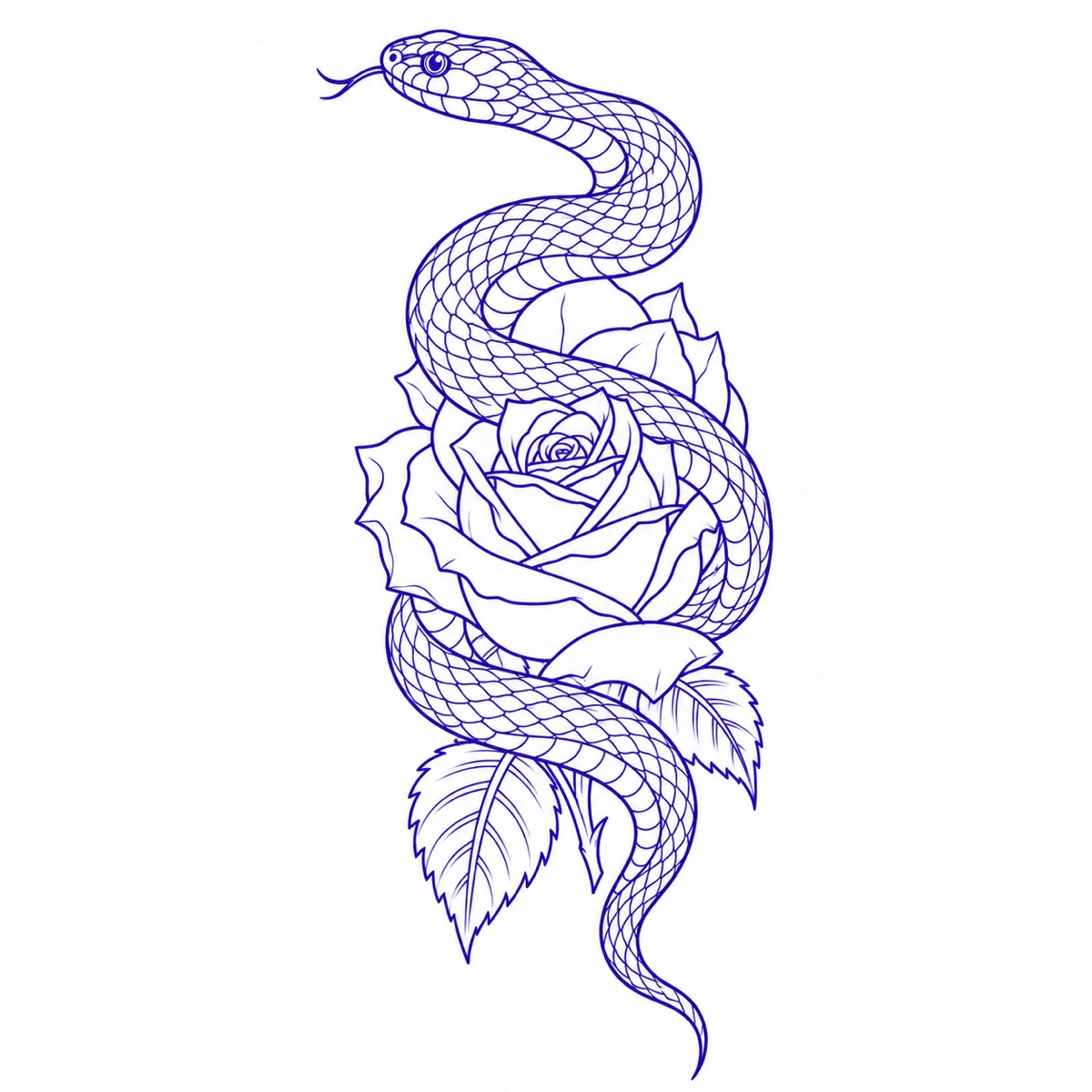
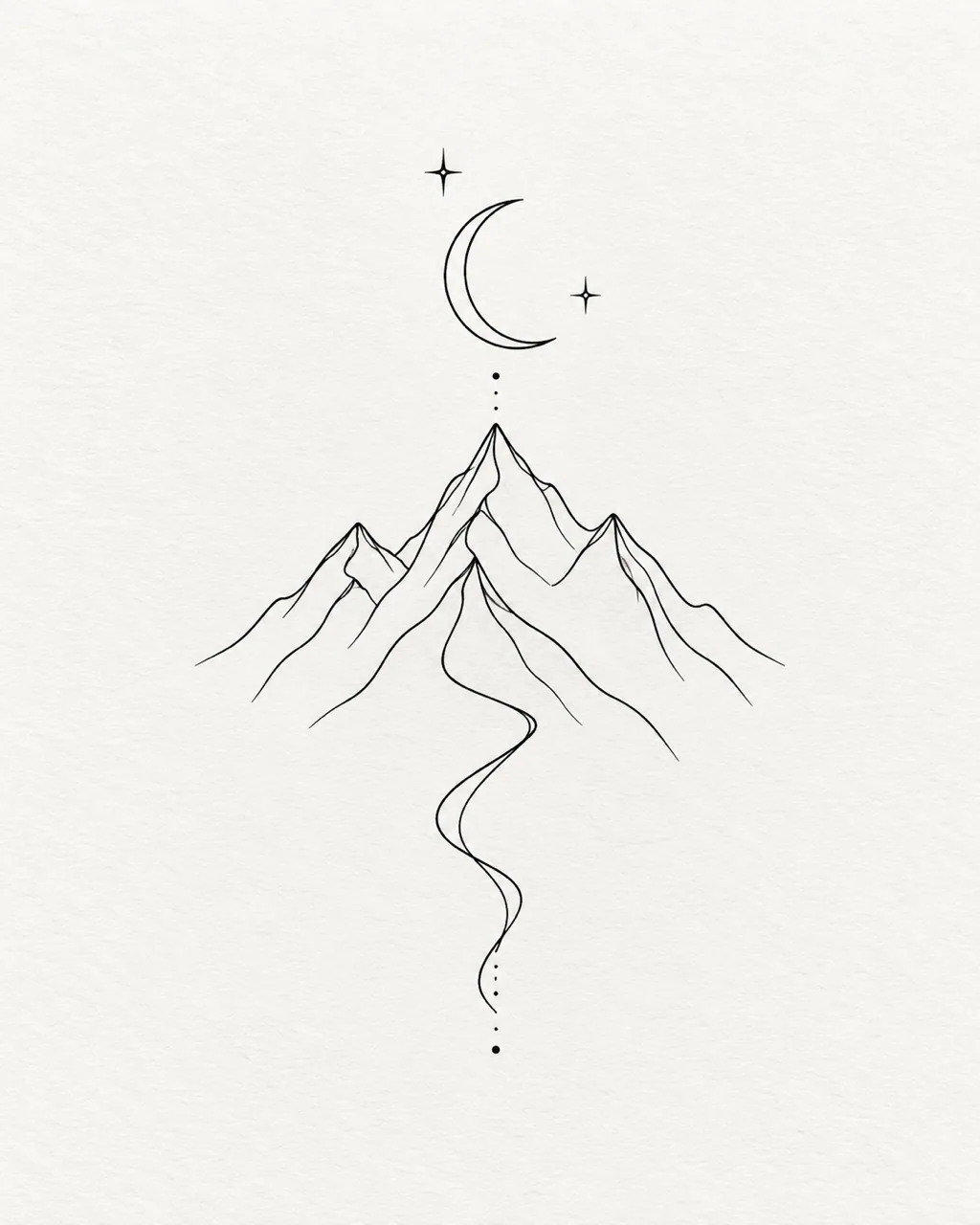
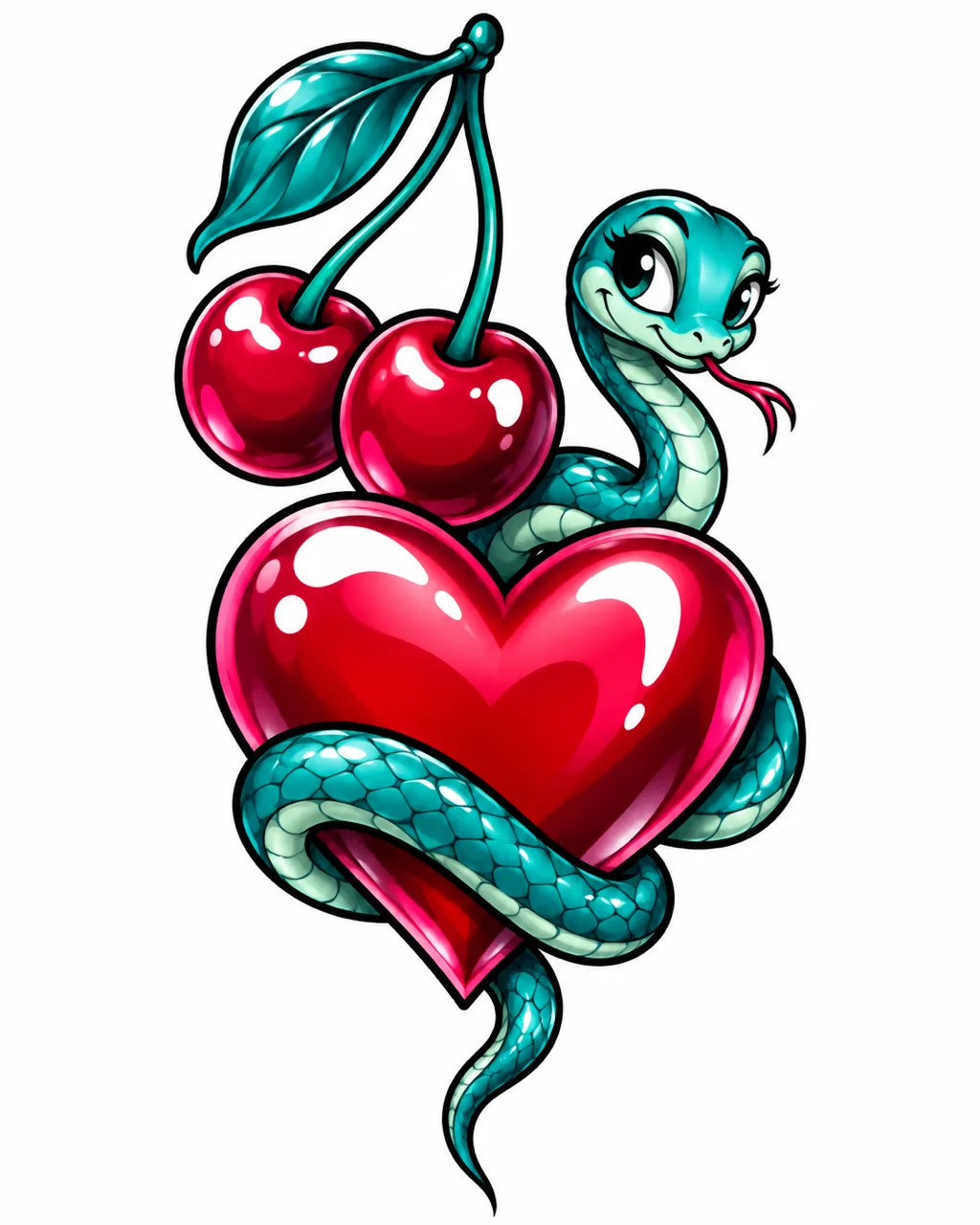
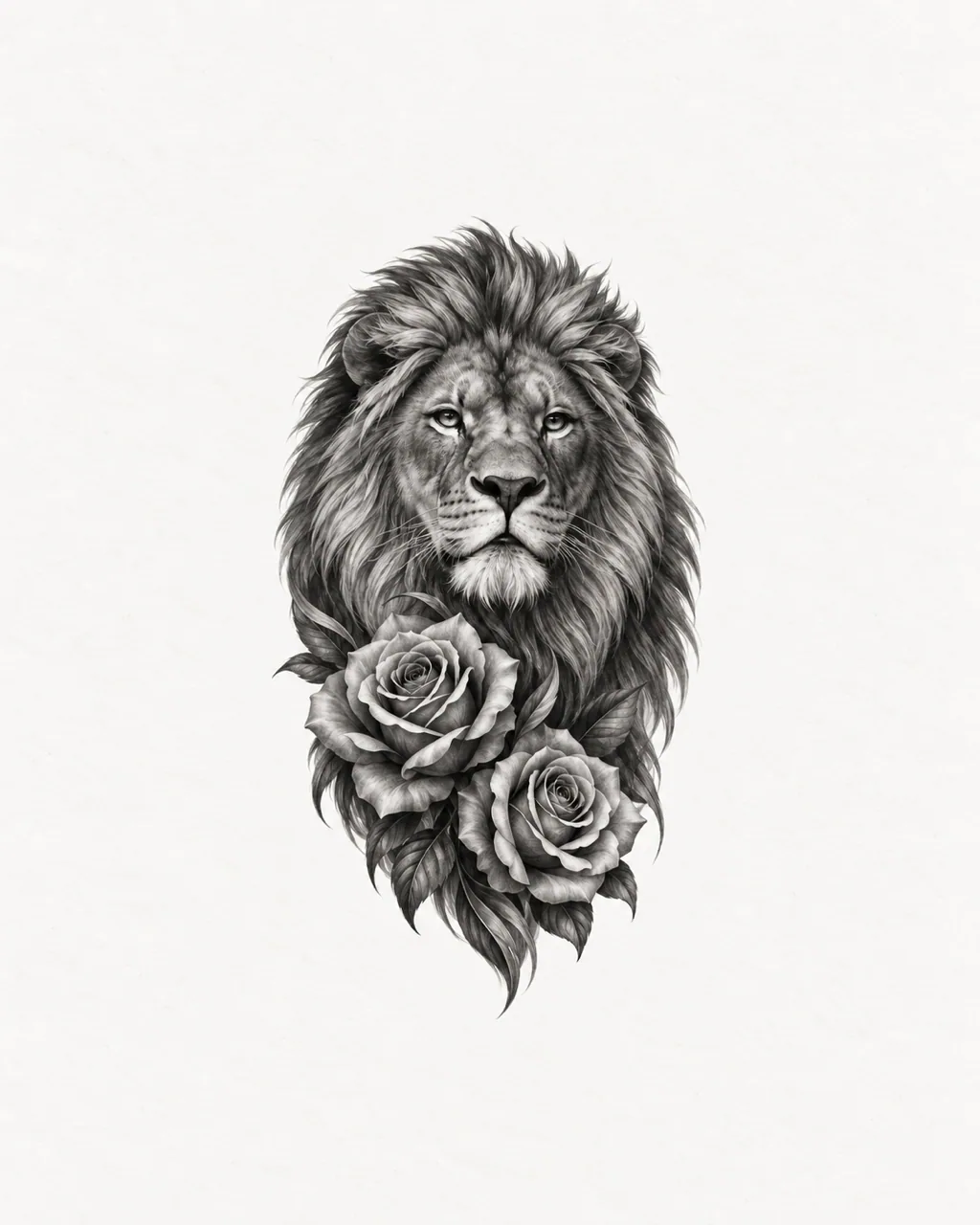
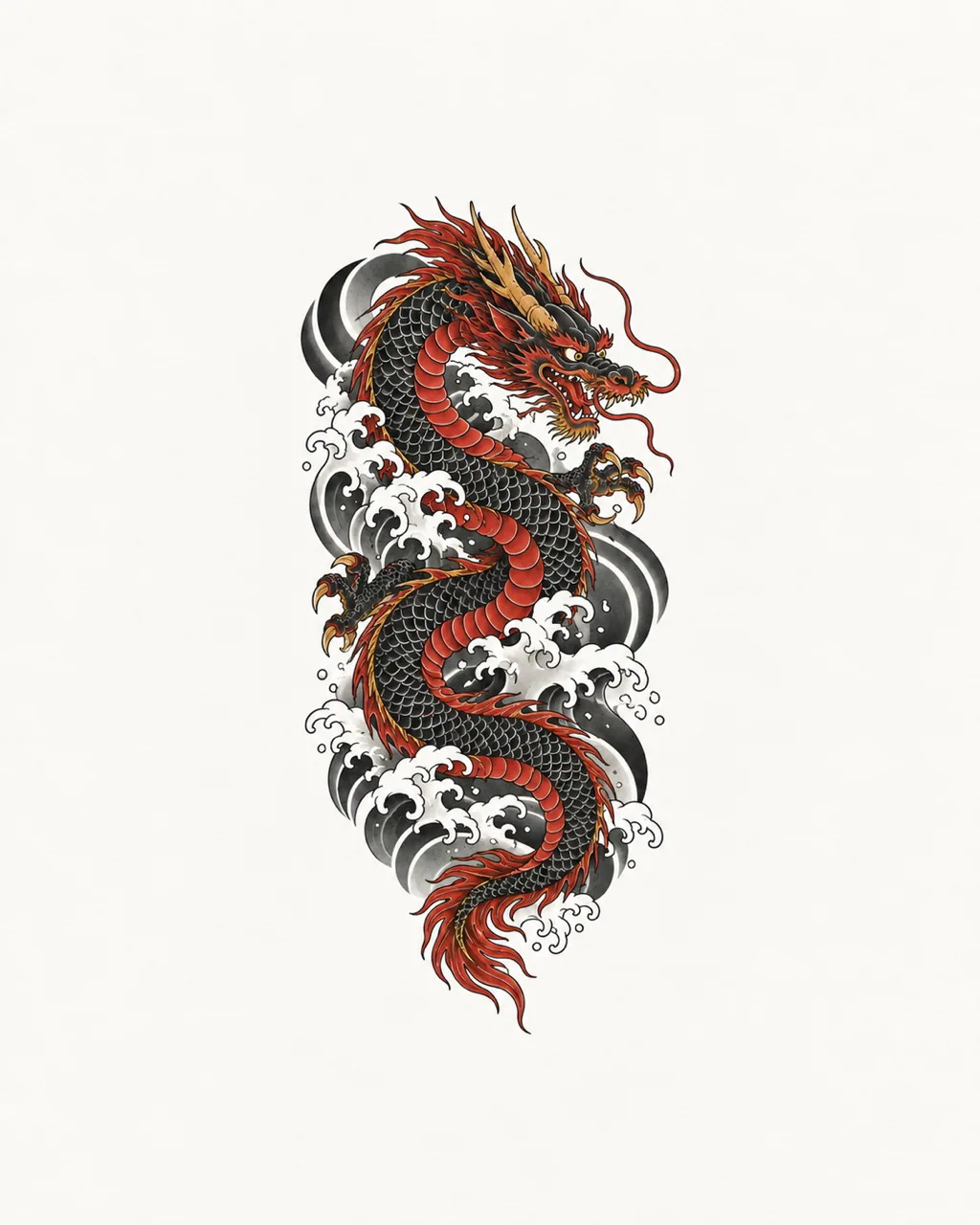
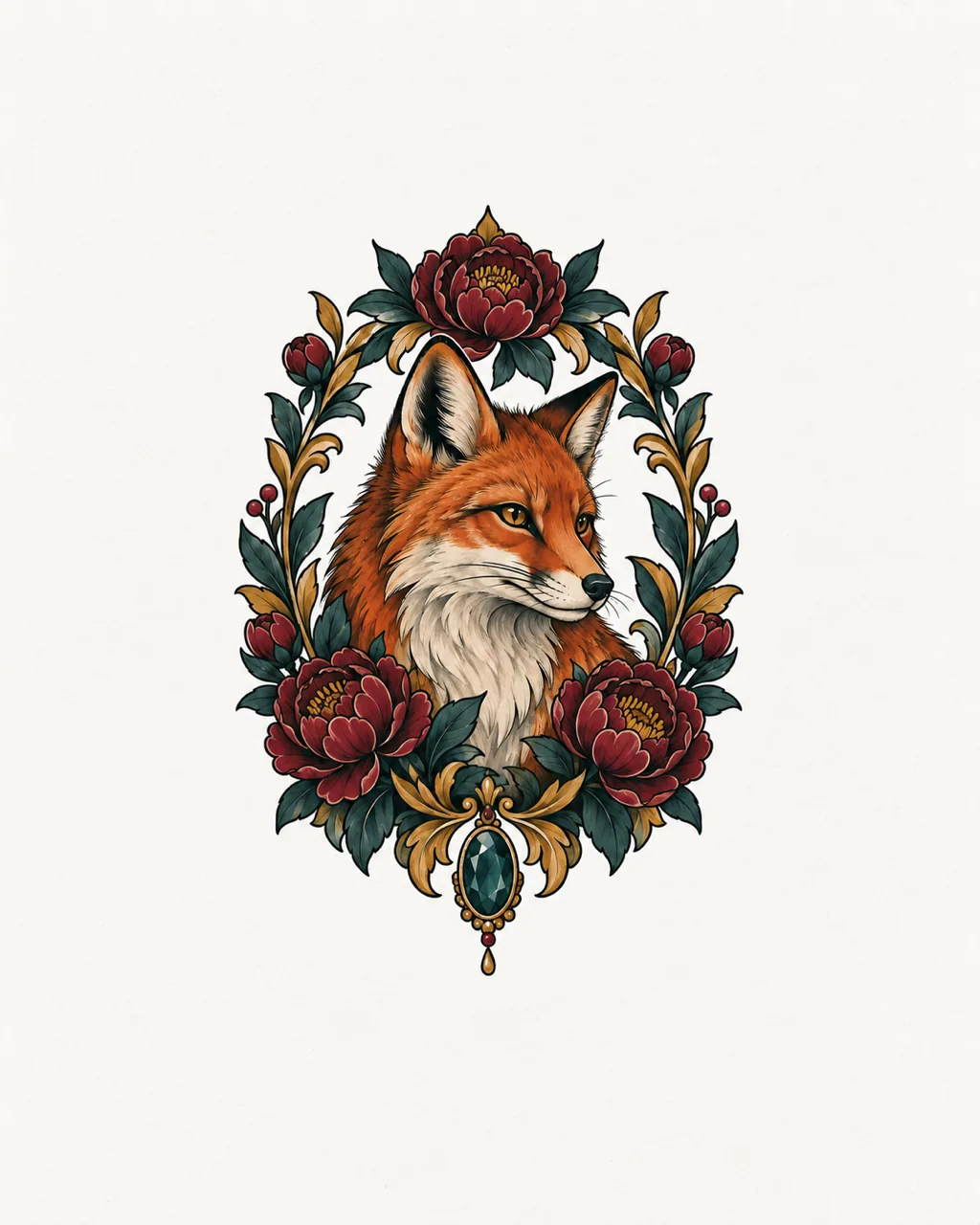
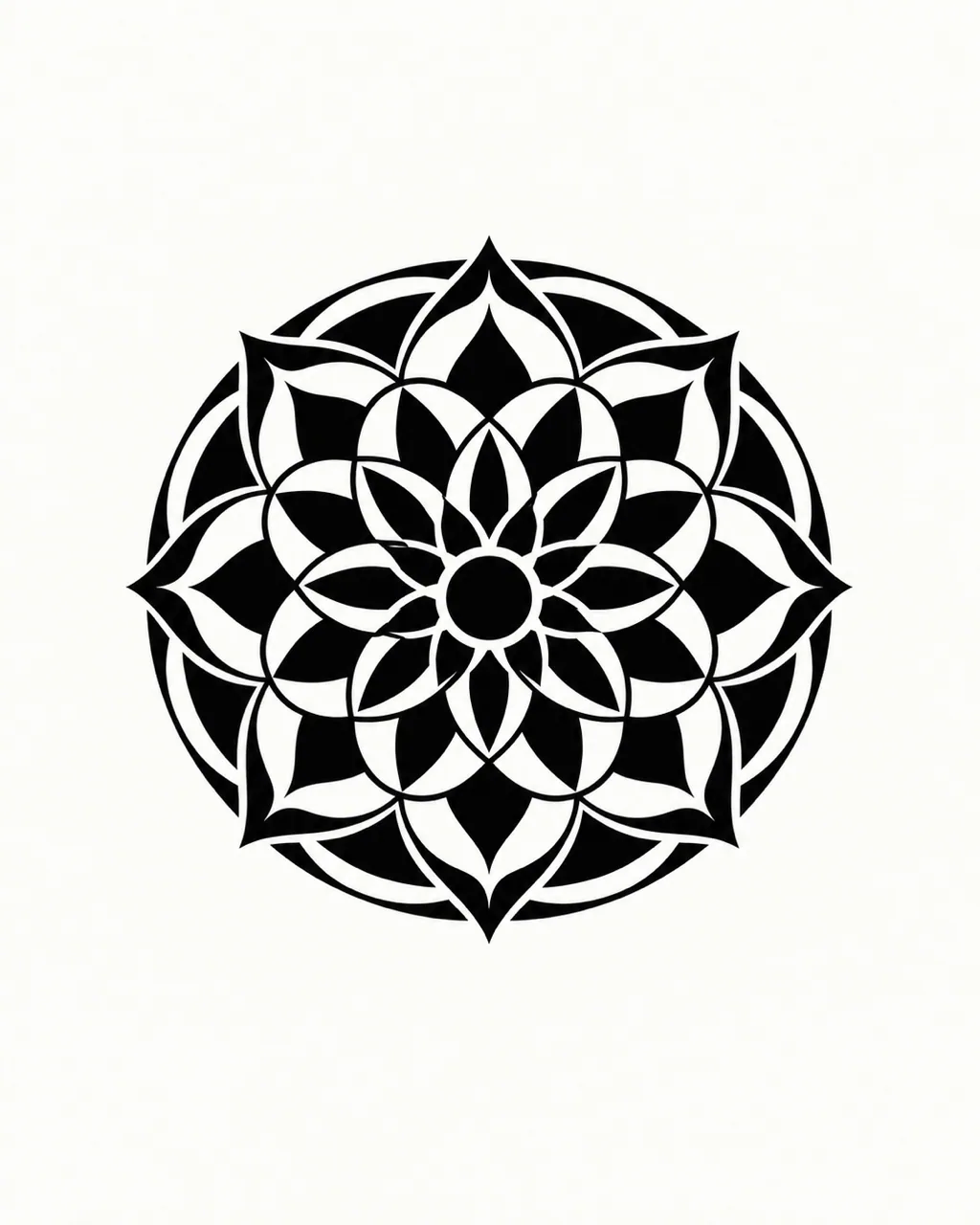
Browse finished pieces, close crops of linework and composition studies across several styles. See how line weight and spacing shift with each approach, then describe yours in the AI tattoo generator.
Begin with a subject, a memory or a reference image that matters to you, rather than picking from flash sheets that many people already wear.
12 tattoo styles
Move between fine line, blackwork, Japanese, watercolor and more, and set complexity from simple to detailed so the concept suits the size you are planning.
Lettering built in
Add a name, date or phrase with Add Text and choose from eight font directions, so the words become part of the composition instead of an afterthought.
Costs shown upfront
The selected model and its credit cost appear before you press Generate. A standard AI design uses 10 credits, and signed-in users get one free standard generation each day.
Works with other tools
Send a saved design into Remix for a fresh variation or into Try-on to see it on skin, and review the new inputs before anything is generated.
One tidy collection
Favorites live in My Ink, ready to download for your artist. Every result is saved to your account until you delete it.
Original Workflow Examples
Describe your idea
Write the subject and what it means to you, tap Inspiration for a sample prompt, or open Remix with a reference image.
Name the main subject, any supporting elements and how they should be arranged, for example a swallow carrying a rose above a small banner. You have 500 characters. Style, placement, proportion and complexity have their own controls, so the prompt can focus on content and meaning.
Is the AI tattoo generator free?
Yes, with a free account. New accounts get 15 welcome credits, and signed-in users get one free standard AI generation per day, shared across all eight Tatany tools and reset at midnight UTC. After that, a standard generation costs 10 credits. The cost is always shown on the Generate button before you confirm.
Can I start from a picture instead of a prompt?
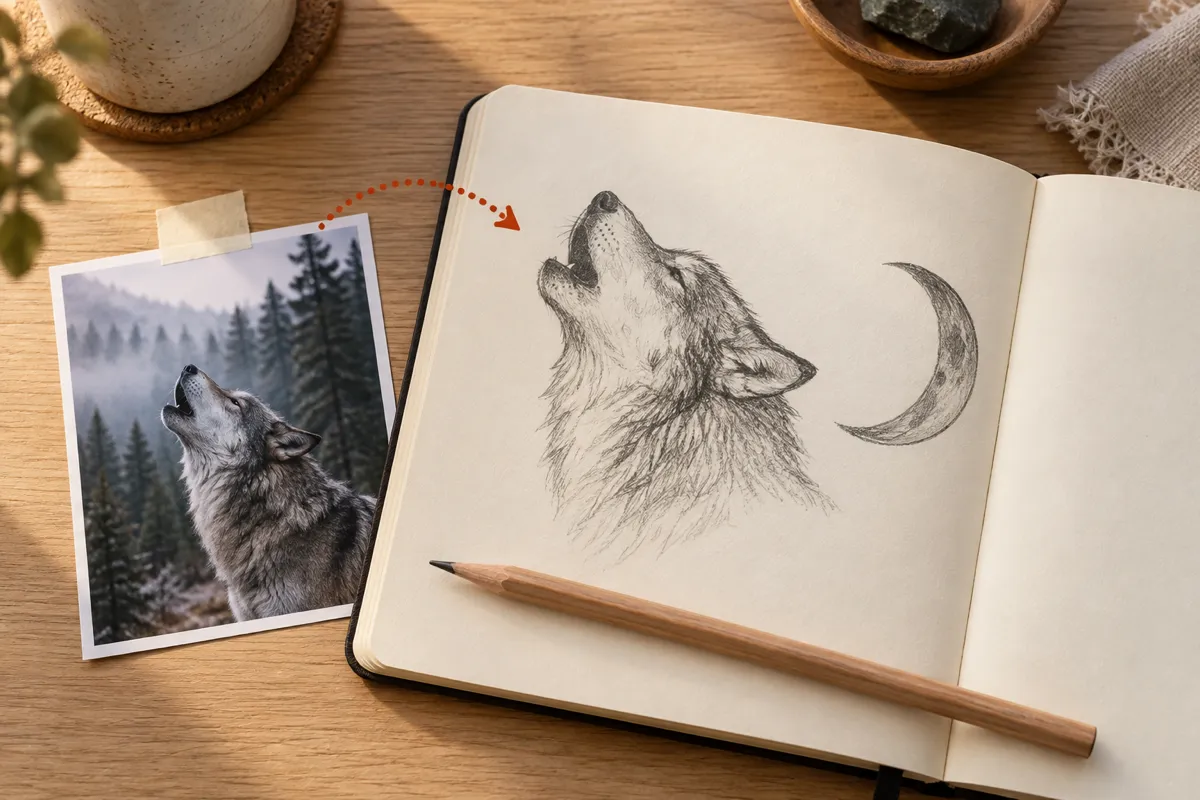
Yes. Remix puts an existing image in the reference slot and clears the description so you can explain what to change. Nothing is spent until you press Generate. To turn a photo straight into a design, the Image to Tattoo tool is built for that job.
Which image models power the generator?
GPT Image 2.5 is selected by default, and Nano Banana 2 is available as an advanced option. Each model and resolution shows its own credit cost; any paid plan unlocks 2K output, and Studio adds 4K.
Are my generated designs private, and how long are they kept?
Designs are saved to My Ink in your account. Paid access unlocks private designs, which cannot be opened through a public share link. Your tattoo artist still turns the concept into the final artwork and stencil.
Try the AI Tattoo Generator Now
Open the free AI tattoo generator, describe your idea and see a first concept in seconds. Then take it to your tattoo artist.