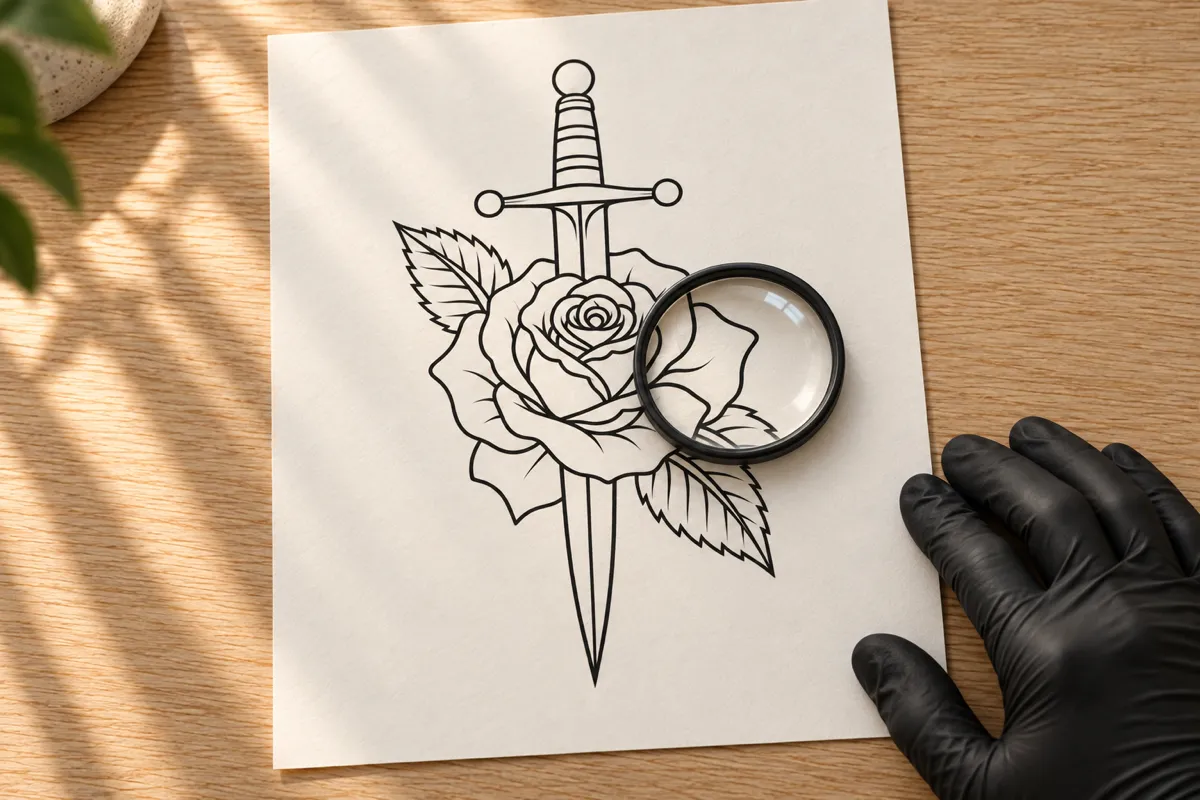
Turn a tattoo photo, sketch or flash into clean, traceable lines.
Tattoo to Stencil
Tattoo Stencil Generator for Clean, Traceable Linework
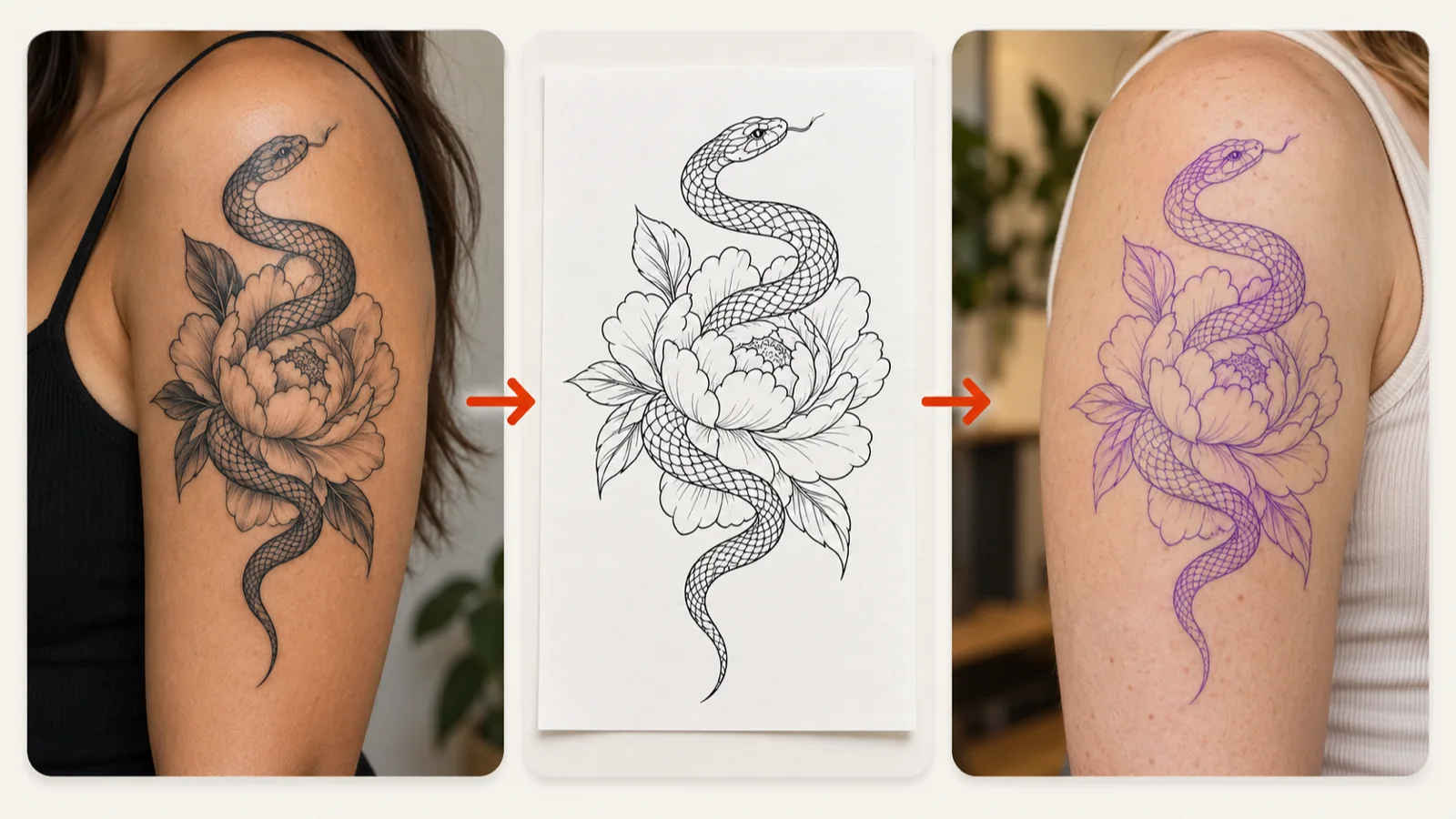
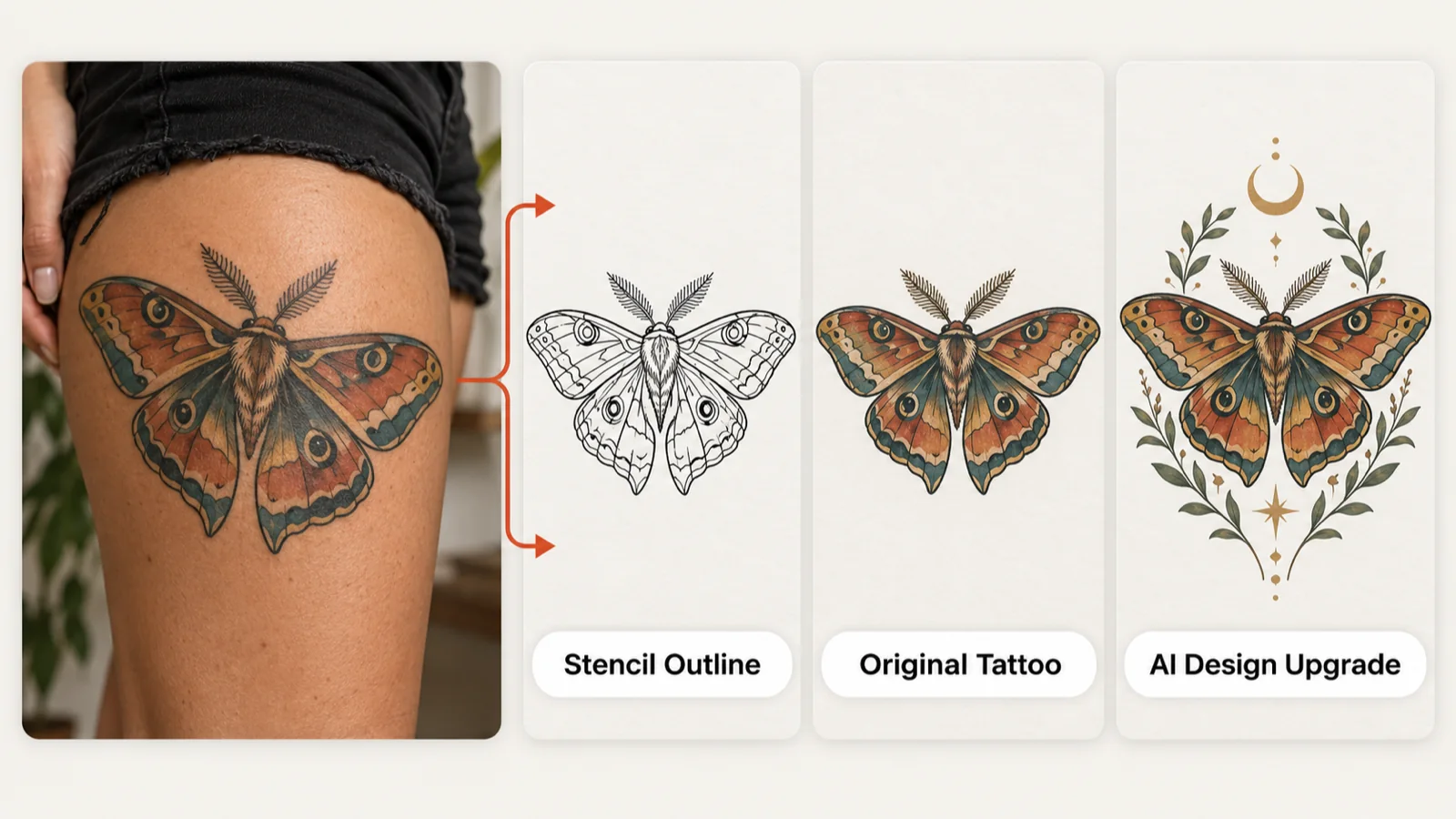
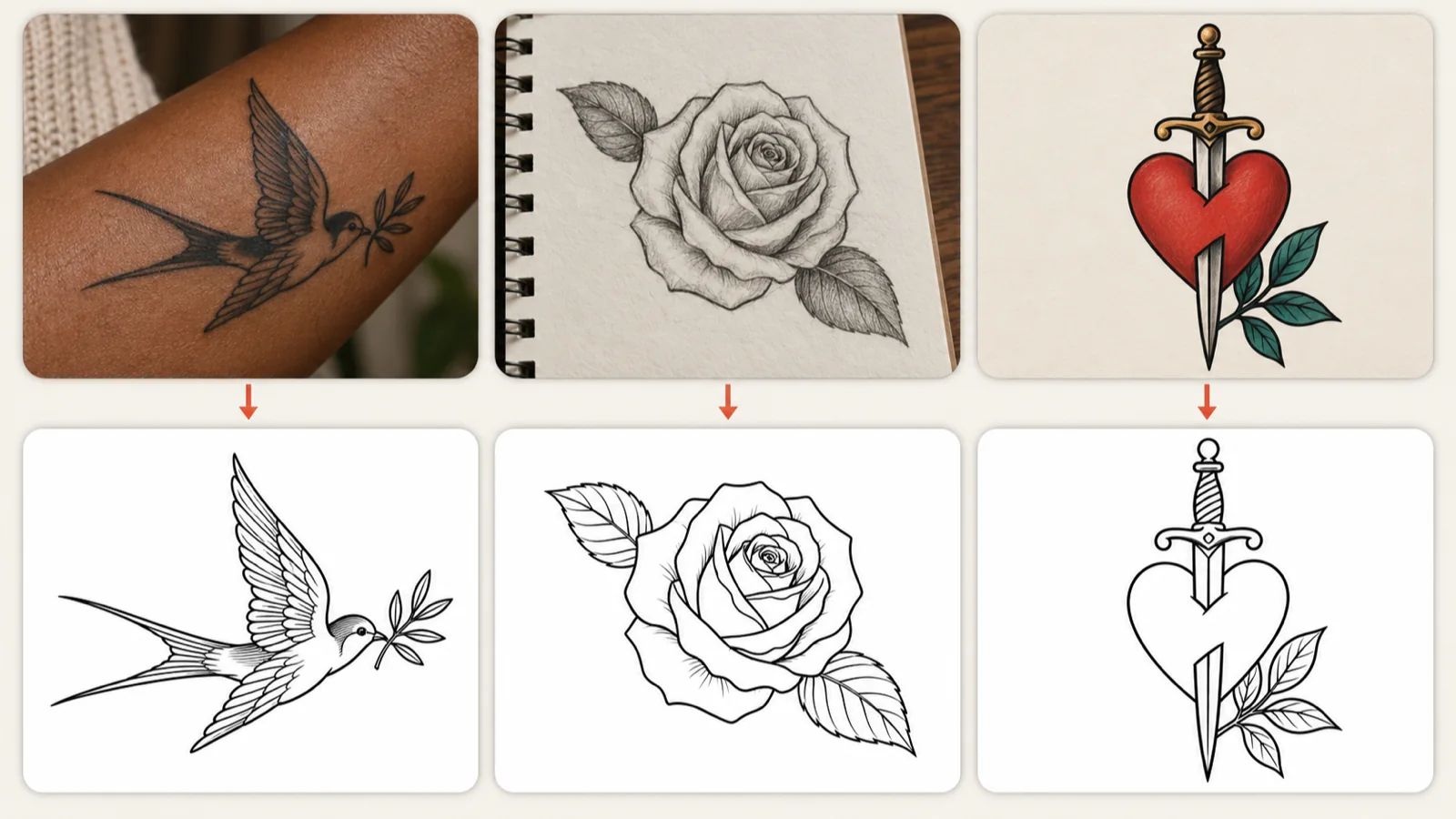
Upload a photo of a healed tattoo, a pencil sketch or a piece of flash, and the tattoo stencil generator strips away skin, shadows and background to leave the drawing itself. Pick Stencil Outline for contour lines, Original Tattoo to lift the artwork with its shading, or the upgrade mode for a refined redraw, then download the result for your artist.
From Healed Ink to Clean Lines with a Tattoo Stencil Generator
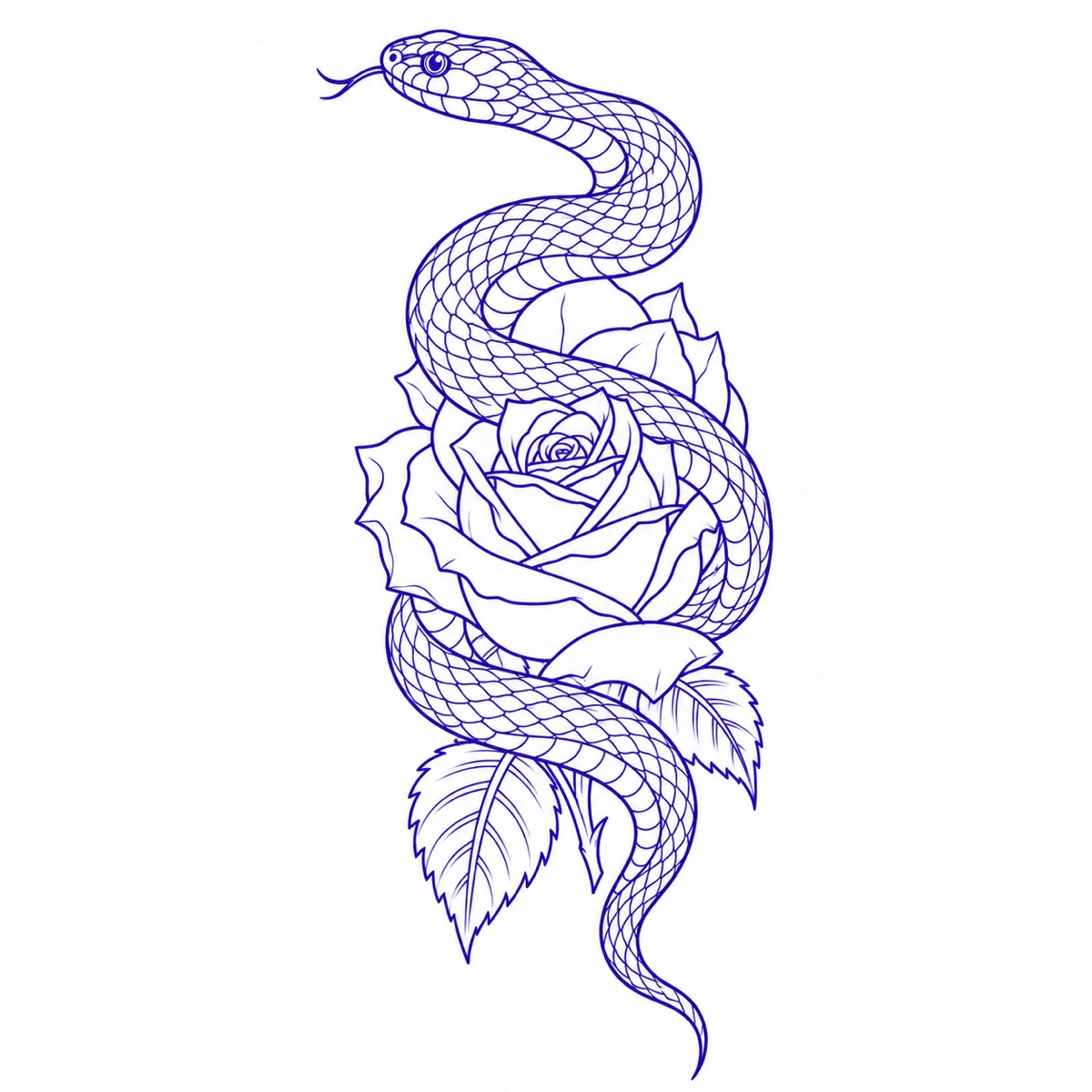
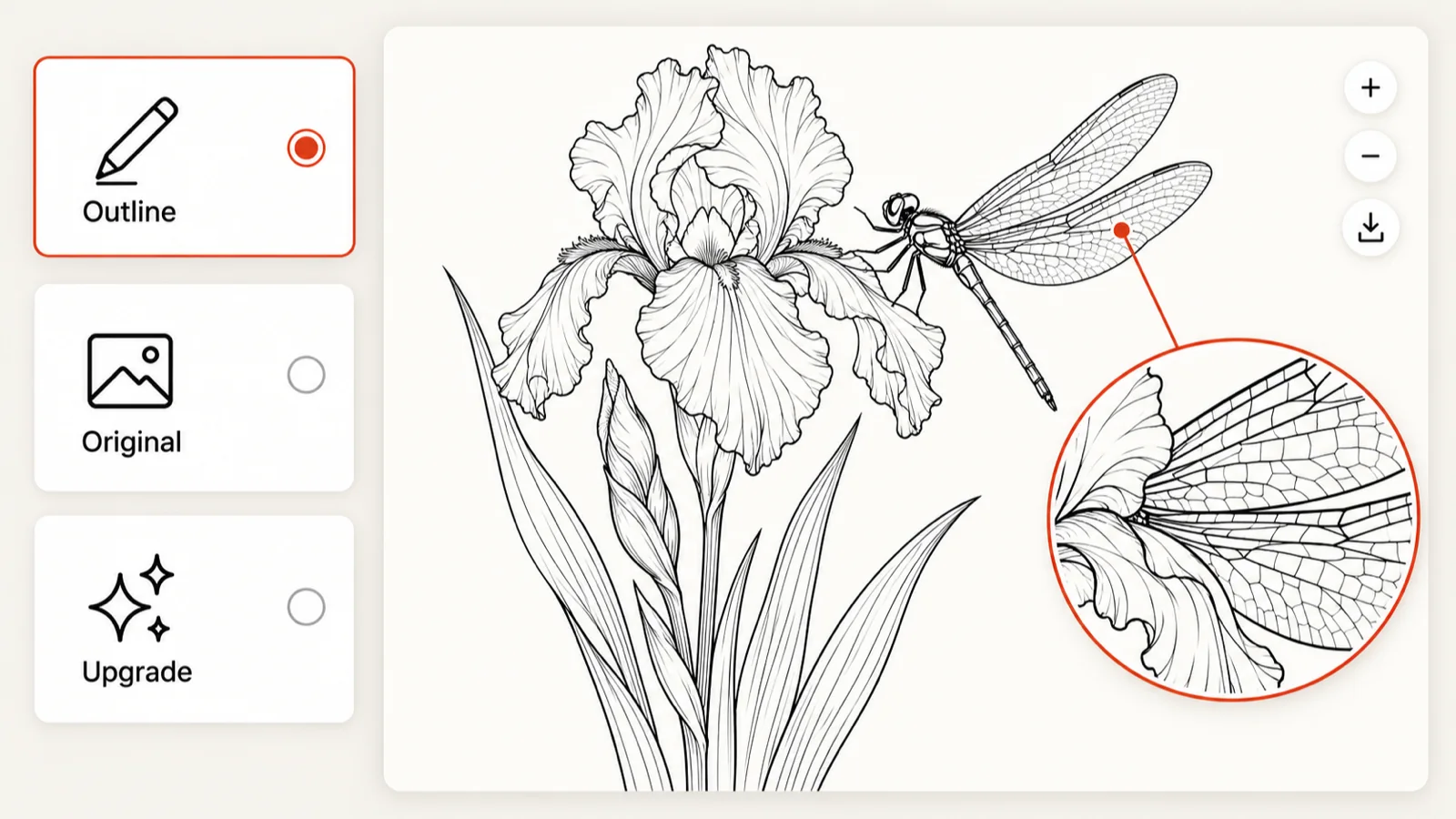
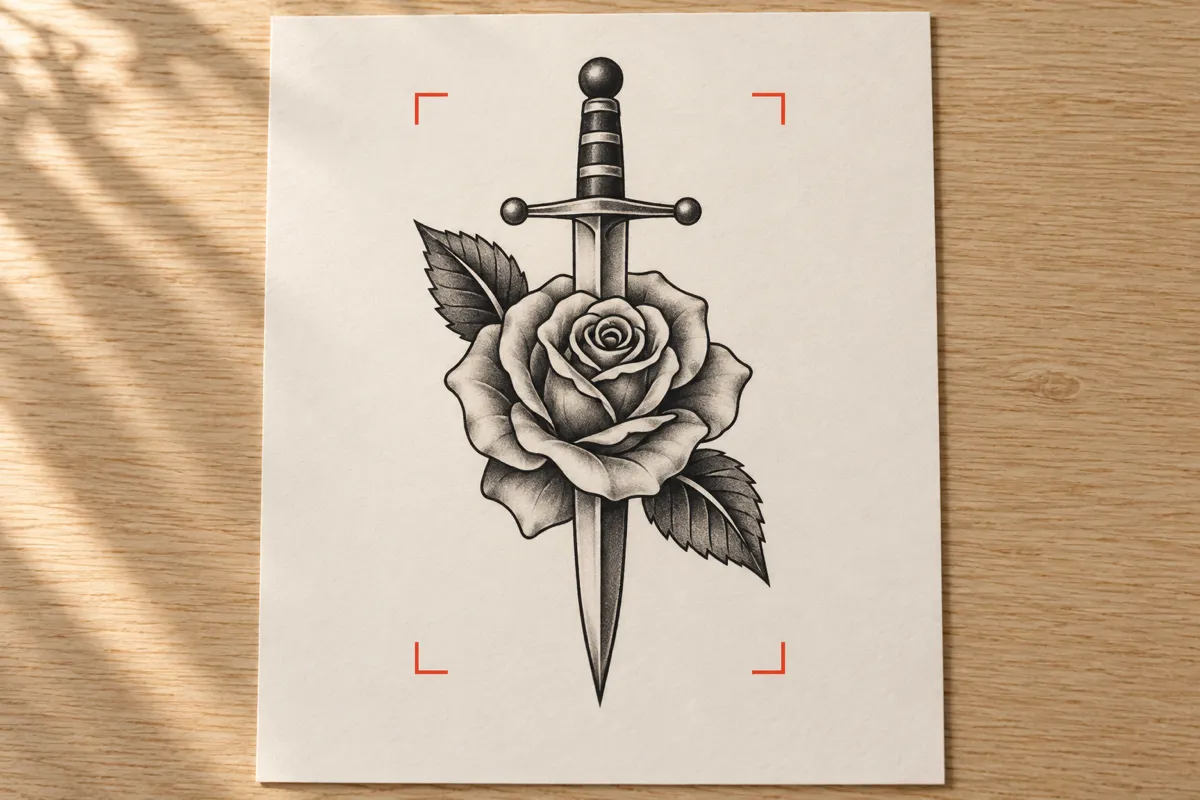
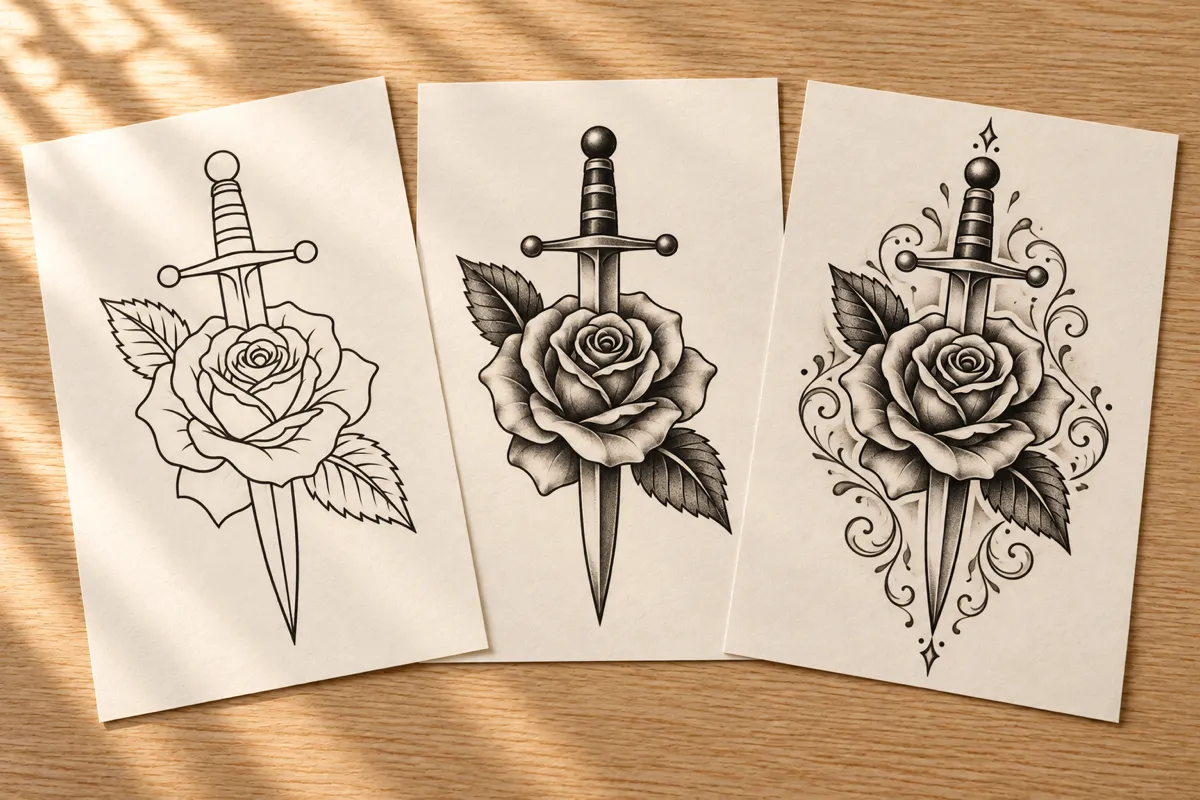
A tattoo stencil generator reads the design inside a photo or drawing and redraws it as flat artwork on white, without the curve of the body, the skin texture or the room behind it. Tatany gives you three outputs from one upload. Stencil Outline keeps only the contour lines an artist traces. Original Tattoo extracts the existing artwork, shading included, and flattens its perspective. AI Design Upgrade redraws the piece with cleaner lines and more balanced detail while keeping its core subject. Each output is a reference for discussion; the artist still sizes the piece and makes the transfer that goes on skin.
Clean Linework from Tattoo Photos, Sketches and Flash
Three kinds of source work well. A photo of a healed tattoo lets you recover a design you already wear, whether you plan to touch it up, extend it or repeat it somewhere else. A pencil drawing from a sketchbook becomes crisp black contours without graphite smudges or paper grain. A colored digital flash is reduced to the lines underneath the color. In every case, the tattoo stencil generator works best when the design fills most of the frame, the light is even and nothing covers part of the artwork. If a result misses a petal or merges two lines, try a sharper, straighter photo of the same piece before switching modes.
Choose How the Tattoo Stencil Generator Reads Your Image
Stencil Outline is the mode most people need: continuous black contours, interior lines kept only where they guide the artist, shading and texture removed, and solid black areas drawn as outlines rather than filled in. Original Tattoo suits a piece you want to document or rework, because it keeps the shading on a flat white background. The upgrade option is for a faded or uneven tattoo you would like redrawn more cleanly. After a run, open the preview at full size and zoom into the smallest details, such as lettering, fingers, petals and fine dotwork, since those are where linework most often blurs or drops out.
From Downloaded Linework to the Artist's Transfer
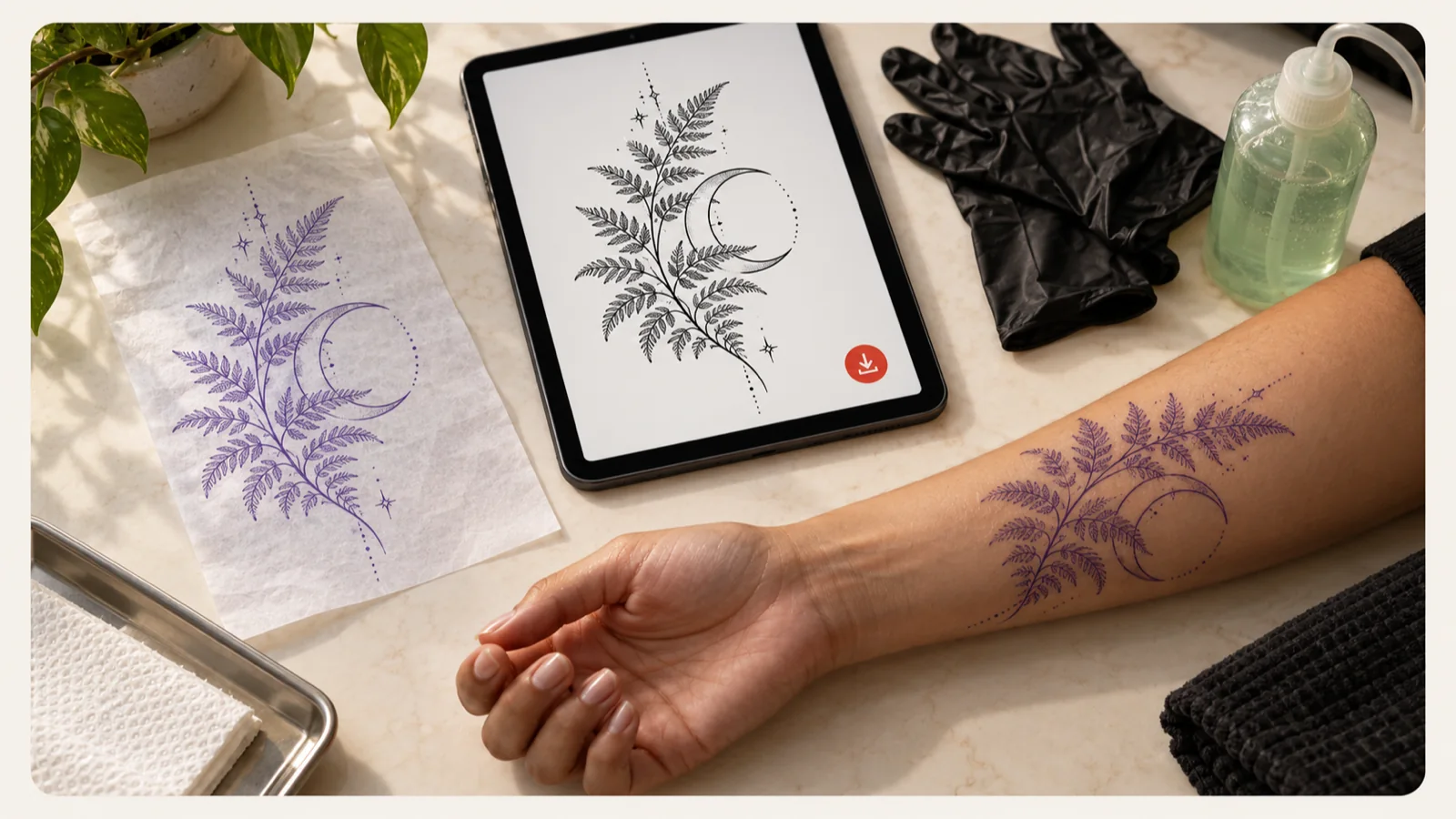
Download the result at its original quality and keep the source photo beside it, so your artist can see both how the tattoo looks today and which lines you want to keep. Artists typically scale the linework to the placement, adjust line weights, print it onto thermal paper and press the transfer onto prepared skin; shading and color are added freehand afterward. Bringing clean linework from a tattoo stencil generator shortens that conversation, but the artist remains responsible for the final transfer. Favorite the file in My Ink to find it again, or open a public share link to send it ahead of your appointment.
3 SIMPLE STEPS
How to Use the Tattoo Stencil Generator
1
Upload the tattoo or drawing
Add a JPG, PNG or WebP up to 5 MB. Crop close to the design, choose a well-lit, straight-on shot and tick the box confirming you own the image or are cleared to use it.
Select Stencil Outline, Original Tattoo or the design upgrade. The button shows the credit cost before you run the tattoo stencil generator, so you know what each request will use.
3
Check and download
Zoom into the preview to confirm the lines are closed and no detail went missing, then download the linework for your artist, who sizes it and makes the transfer.
The tattoo stencil generator drops skin tone, body curvature, shadows and the room around the ink, so you get the design alone on plain white instead of a photo your artist has to redraw.
Lines that trace cleanly
Stencil Outline favors continuous contours with clear white gaps between neighboring lines, which keeps the transfer readable once it is pressed onto skin.
Three outputs, one upload
Switch between an outline, the extracted artwork and a refined redraw without uploading again, then compare which version best explains the tattoo you have in mind.
Useful for touch-ups and repeats
Recover the drawing of a tattoo you already have when you plan a touch-up, an extension or a matching piece, even if the original artwork file is long gone.
Clear costs before each run
Every tattoo stencil generator run shows its credit cost before you start. A standard request uses 10 credits, and signed-in users get one free standard generation per day, reset at midnight UTC.
Results you can keep
Every result is saved to My Ink in your account, so you can favorite, download or share each stencil whenever you need it again.
Tattoo Stencil Generator FAQ
What does the tattoo stencil generator actually produce?
A flat image on white. Stencil Outline returns black contour lines, Original Tattoo returns the extracted artwork with its shading, and the upgrade mode returns a cleaner redraw of the same subject. All three are references, not finished transfers.
What makes a good tattoo stencil?
Closed, continuous lines; enough white space between neighboring lines that they do not merge on skin; interior lines only where they guide the needle; and no shading, which the artist adds by hand. Use those points to judge each result before you download it.
Which photo gives the best result from a tattoo stencil generator?
A sharp, evenly lit photo taken straight on, with the whole design visible and as little body curve as possible. Avoid glare from fresh ointment, heavy shadows and cropped edges. JPG, PNG and WebP files as large as 5 MB are accepted.
Can I print the result and put it straight on skin?
No. Treat the download as a guide for your artist. They check the proportions, choose line weights, scale the design to the placement and make the thermal transfer they will actually tattoo from.
Can I convert a tattoo photo I found online?
Only upload images you own or are cleared to use; the workbench asks you to confirm this before each run. For a tattoo someone else wears, ask that person or the original artist first, since custom pieces are usually drawn for one client.
How much does a tattoo to stencil conversion cost, and where does it go?
A standard conversion uses 10 credits, and the exact cost appears on the button before you run it. Finished linework lands in My Ink in your account.
Try the Tattoo Stencil Generator
Upload a tattoo photo or sketch, pick an output mode and bring clean linework to your next appointment.