Draw the empty space between your tattoos and fill it with intent.
Gap Filler
Tattoo Filler Designs Shaped to Your Gap
Sketch the open skin between your pieces, pick a motif or write your own, and get a tattoo filler concept that stays inside that outline. Hold it next to your patchwork, then bring it to your artist.
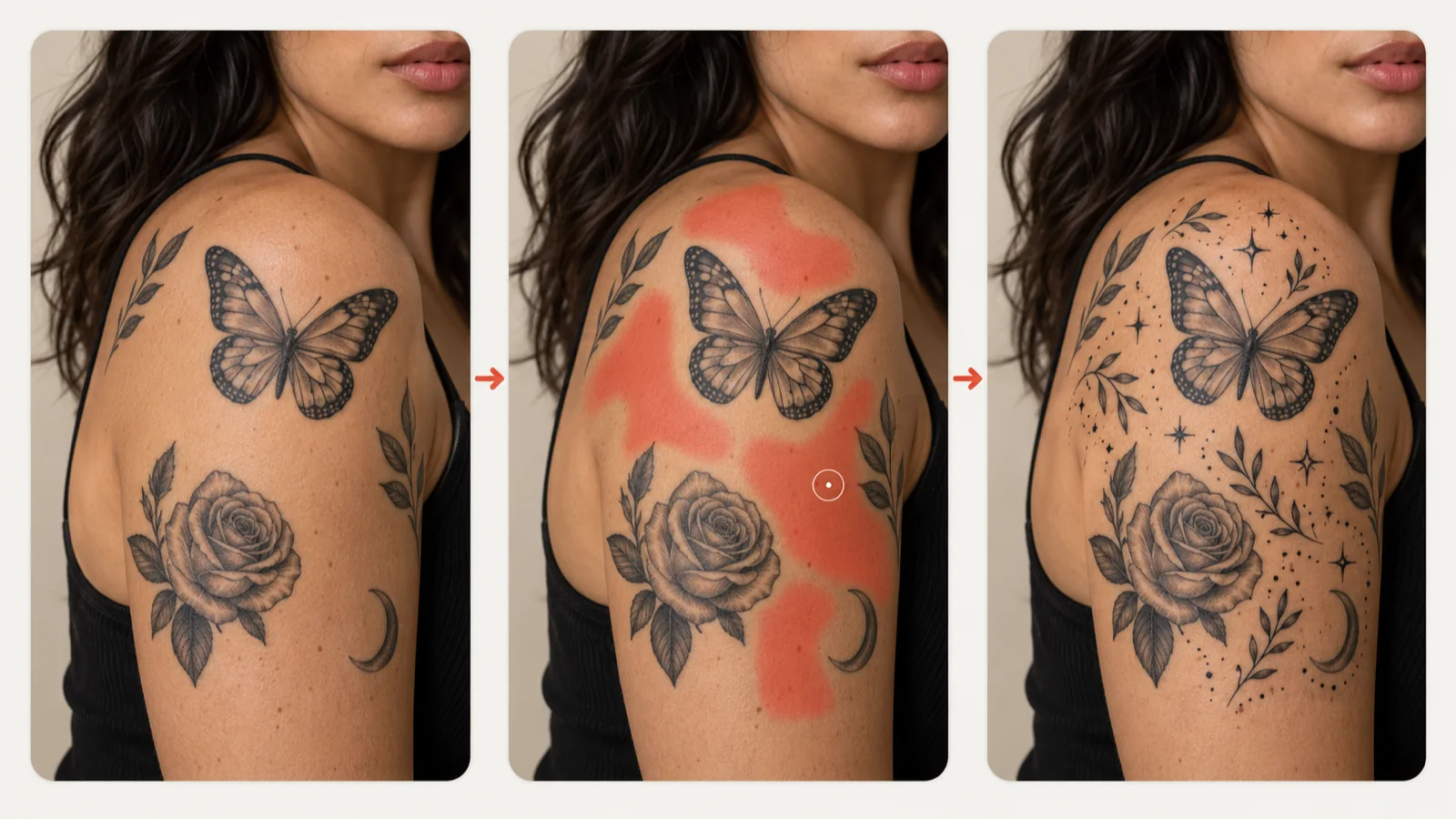
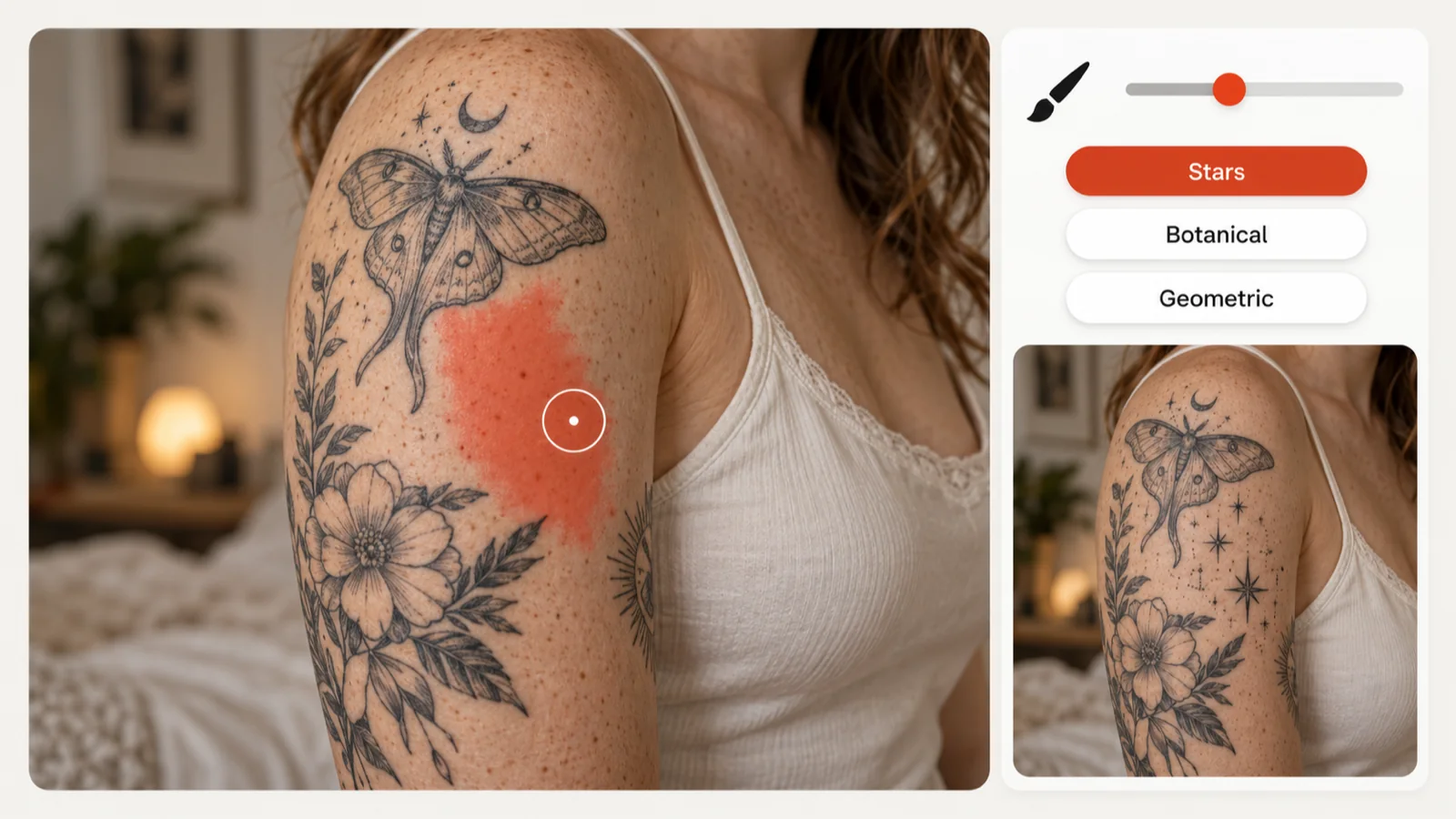
It is a canvas-first tool for the awkward spaces in a patchwork sleeve or leg. You paint the empty area with a brush, select a motif such as Stars & Dots, Floral or Geometric, and the AI places a tattoo filler only inside the region you marked. Your style pick and the Simple, Medium or Complex setting decide how bold or busy it looks. The result is a concept your tattoo artist can read at a glance: where the gap sits, how big it is and which direction you have in mind.
A Tattoo Filler That Fits Narrow, Corner and Irregular Gaps
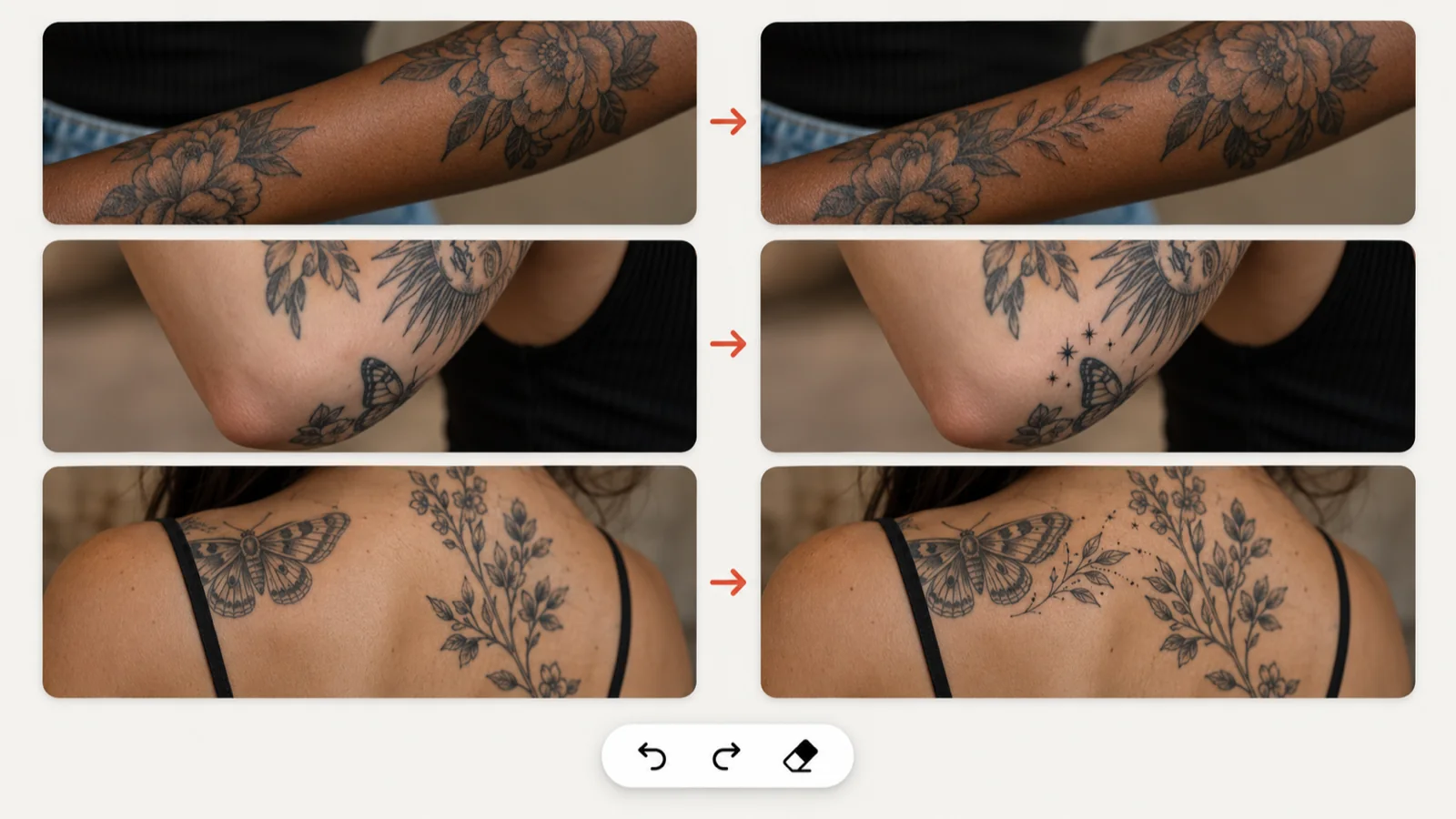
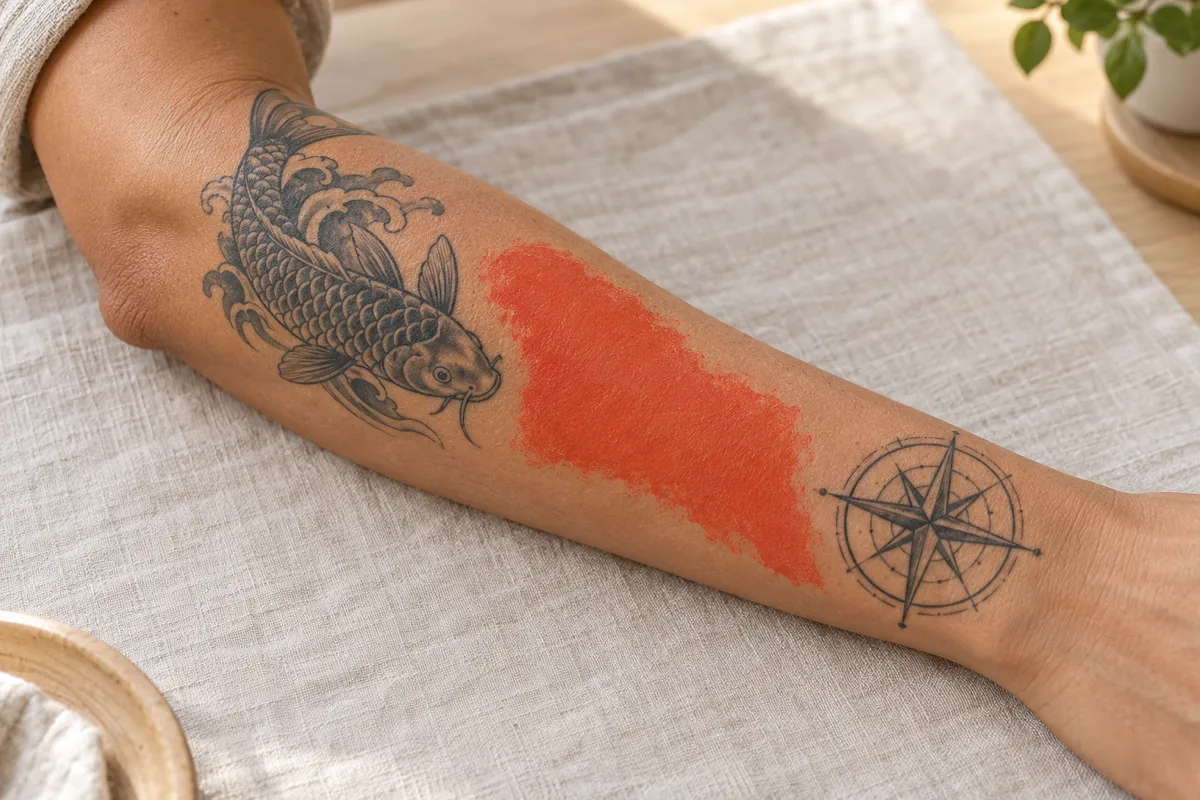
A thin strip along the forearm, a tight pocket near the elbow and a jagged patch on the shoulder blade all call for different layouts. Paint the exact shape you have, using the Small or Large brush for broad areas and fine edges. The eraser, Undo and Redo fix stray strokes, and Clear wipes the canvas for a fresh attempt. Press Done once the outline matches the skin you want covered. Because the generator works only inside that mask, a careful outline gives you a tattoo filler that hugs the gap instead of spilling onto nearby work. Compare a few versions and keep the one that sits most naturally.
Tattoo Filler Ideas: Pick a Motif or Write Your Own
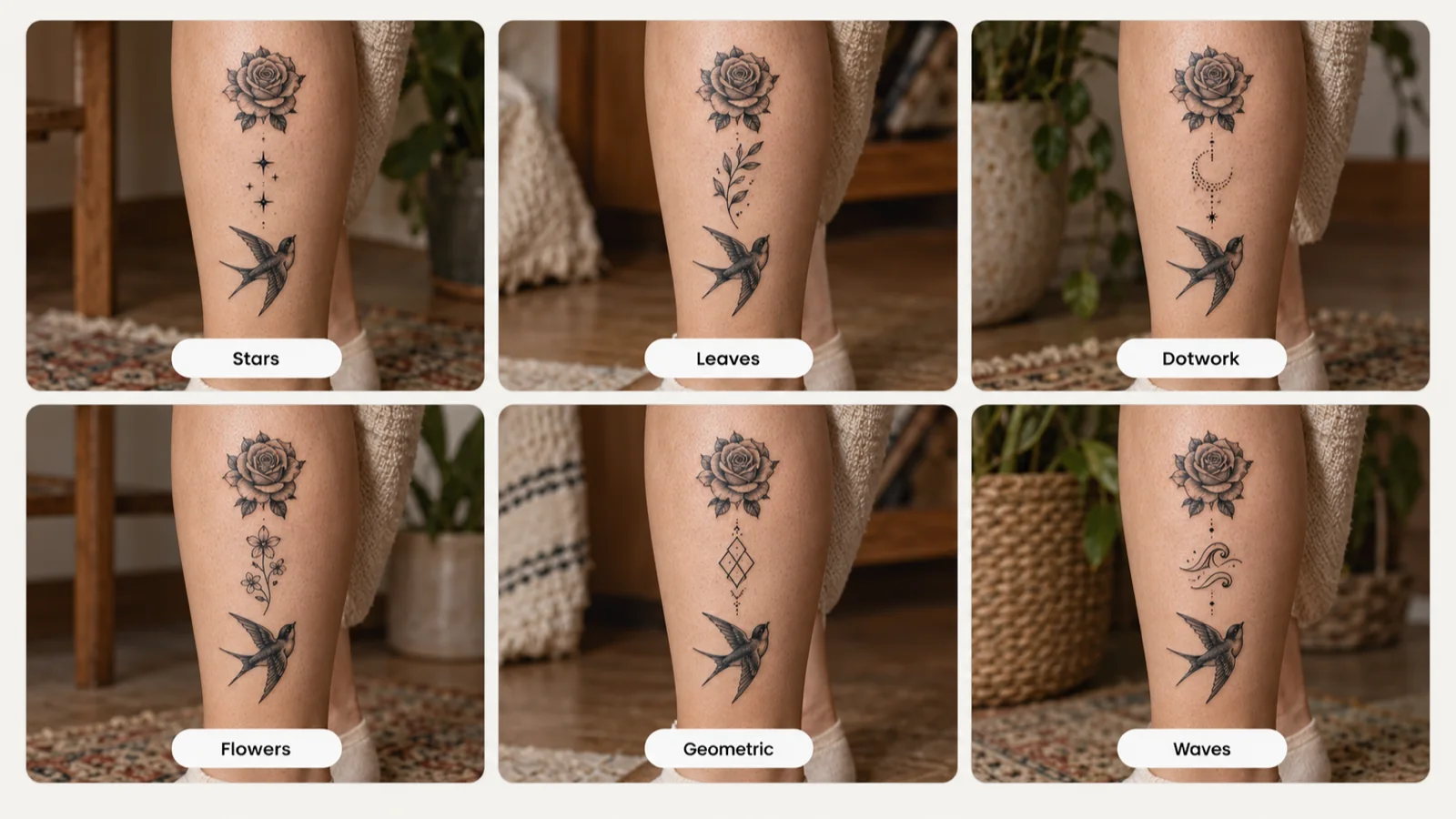
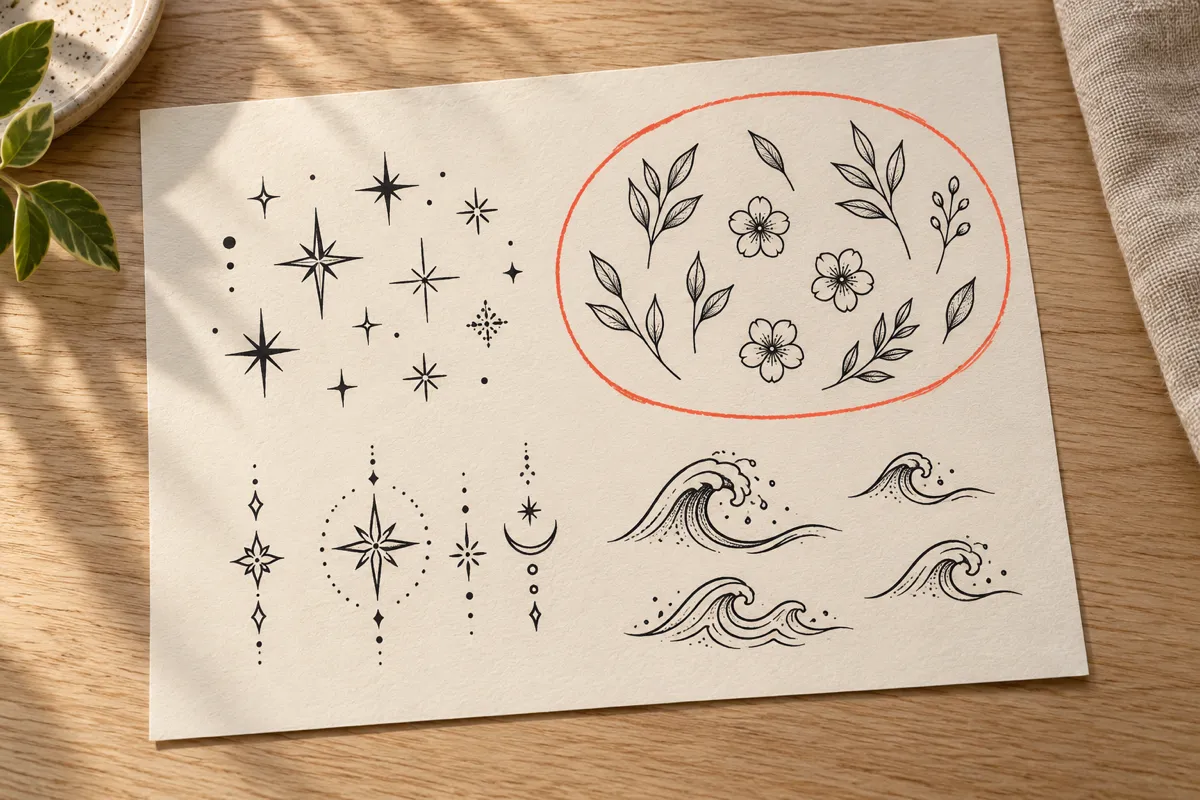
Eight preset themes cover the classic fillers: Floral, Celestial, Geometric, Clouds & Smoke, Flames, Spider Webs, Stars & Dots and Small Animals. If none feels right, select Custom and type the subject, like waves, tiny leaves or a pattern taken from your favorite piece. Running the same gap through several themes is a quick way to see which tattoo filler ideas belong in your collection.
Match Your Tattoo Filler to the Ink Around It
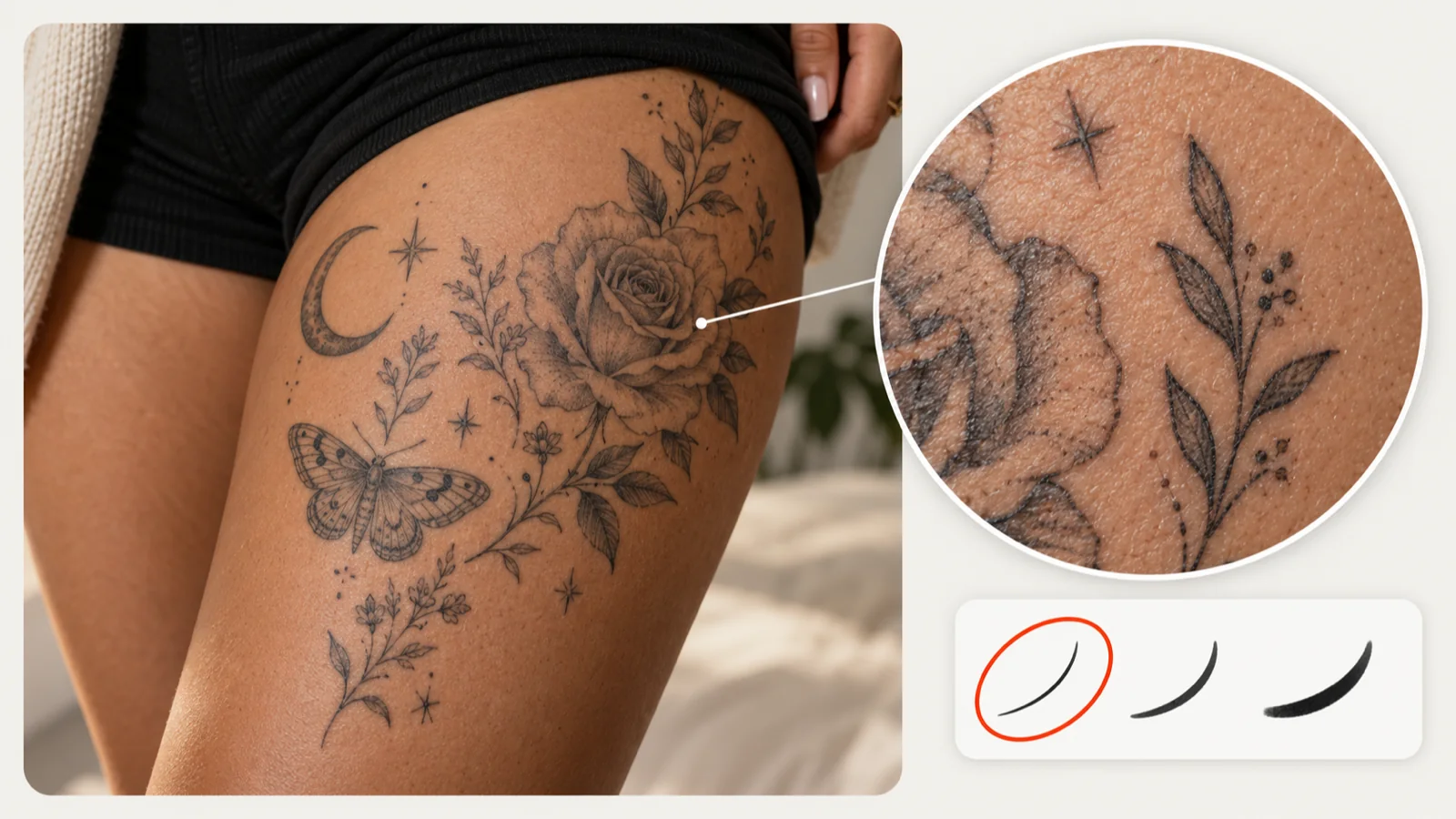
Good fillers support the pieces you already wear rather than compete with them. Before generating, look at the line weight, shading and density of the neighboring tattoos. A Minimalist style with Simple detail suits a delicate fine-line sleeve, while bolder work can carry a New School or heavier look at Medium or Complex. View the result at full size beside a photo of your patchwork and check whether its lines read like part of the same collection. Your artist can then tune the spacing, proportions and linework on the real skin so the new tattoo filler blends with the old.
3 SIMPLE STEPS
How to Make a Tattoo Filler in 3 Steps
1
Pick a filler theme
Start from a preset like Floral or Stars & Dots, or select Custom and write a subject that echoes the tattoos already on your skin.
Open the canvas and brush over the gap. Switch between the Small and Large brush, erase or undo stray marks, and press Done when the outline looks right.
3
Generate and compare
Set a style and a detail level, then press Generate Filler. Review how the tattoo filler sits in the outline and save the version worth discussing.
It is a small design placed in the open skin between larger pieces, often stars, leaves, dots or smoke. Fillers tie a patchwork together so the empty spaces look intentional.
Do I need to upload a photo to use the tattoo filler generator?
No. The tool opens with a blank drawing canvas. Paint the shape of your gap there and the concept is built inside that outline.
Can I get tattoo filler ideas beyond the preset themes?
Yes. Select Custom and type your own subject, such as koi scales or a motif borrowed from an existing piece, before you open the shape editor.
How do I fix a mistake while painting the gap?
Use the eraser for small edges, Undo or Redo for recent strokes, or Clear to start over. After pressing Done, choose Edit to reopen the shape.
What is the difference between the Small and Large brush?
The setting changes the brush diameter for new strokes only. Strokes you already painted keep their original size.
Why can I not press Done in the gap editor?
The button stays disabled until the canvas has at least one stroke, because an empty drawing gives the AI no area to fill.
Which style and detail level suit a tattoo filler?
Pick them after drawing the shape. Minimalist with Simple detail suits fine-line collections; bolder neighbors can take New School or Complex.
How many credits does generating a filler cost?
Each Generate Filler run costs 10 credits. Signed-in users get one free standard AI generation per day, which can be used here and resets at midnight UTC.
Where are my filler concepts saved?
They appear in My Ink in your account, ready to favorite, download or share. Paid access adds private designs and HD output.
Can my tattoo artist work from the generated concept?
Yes, treat it as a reference. Your artist redraws the filler to the real gap, adjusts spacing to nearby pieces and prepares the stencil.
Turn Empty Skin into a Finished Collection
Paint the gap, choose a motif and see a tattoo filler built around its exact shape. Save the version you like and walk your artist through it at your next session.

 Pick a filler theme